
Watch: Trivia Market (2:10) · All videos
What it is
Trivia Market is rapid multiple choice trivia where every right answer adds to a guest's bankroll, and the leader is offered a chance to spend some of it on a reward.
Add it to your show
It is one step in your Rundown, like any other game. Add it where you want it to play.
- Open the Rundown tab and press Add.
- Choose Trivia Market from the menu. It joins the end of the list and opens on the right.
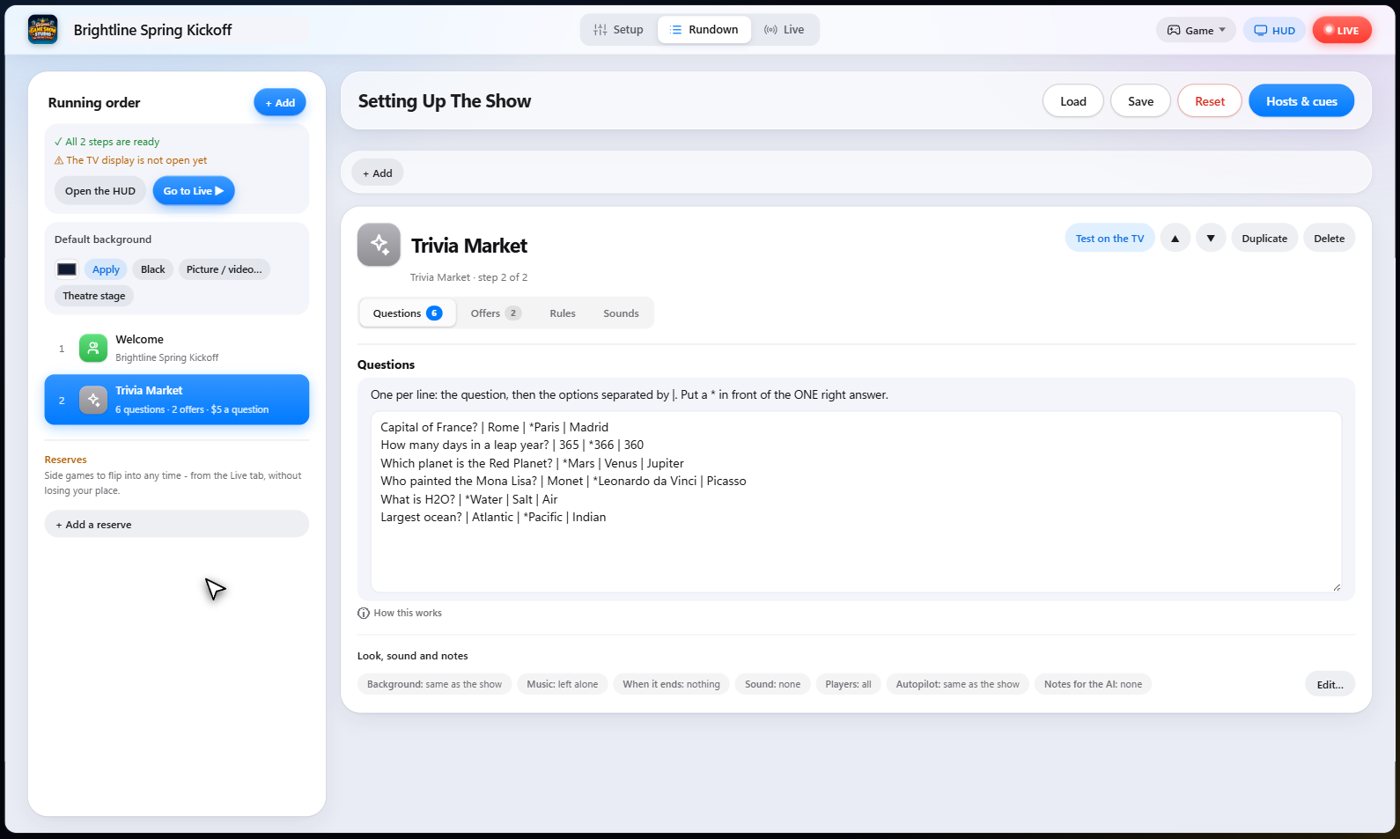
Set it up
The settings hold your questions, with the answers after bars and a star on the right one, and your offers: the reward, its cost, and the question number it is offered after.
Choose what a right answer is worth, the question timer, and how long the leader has to decide.
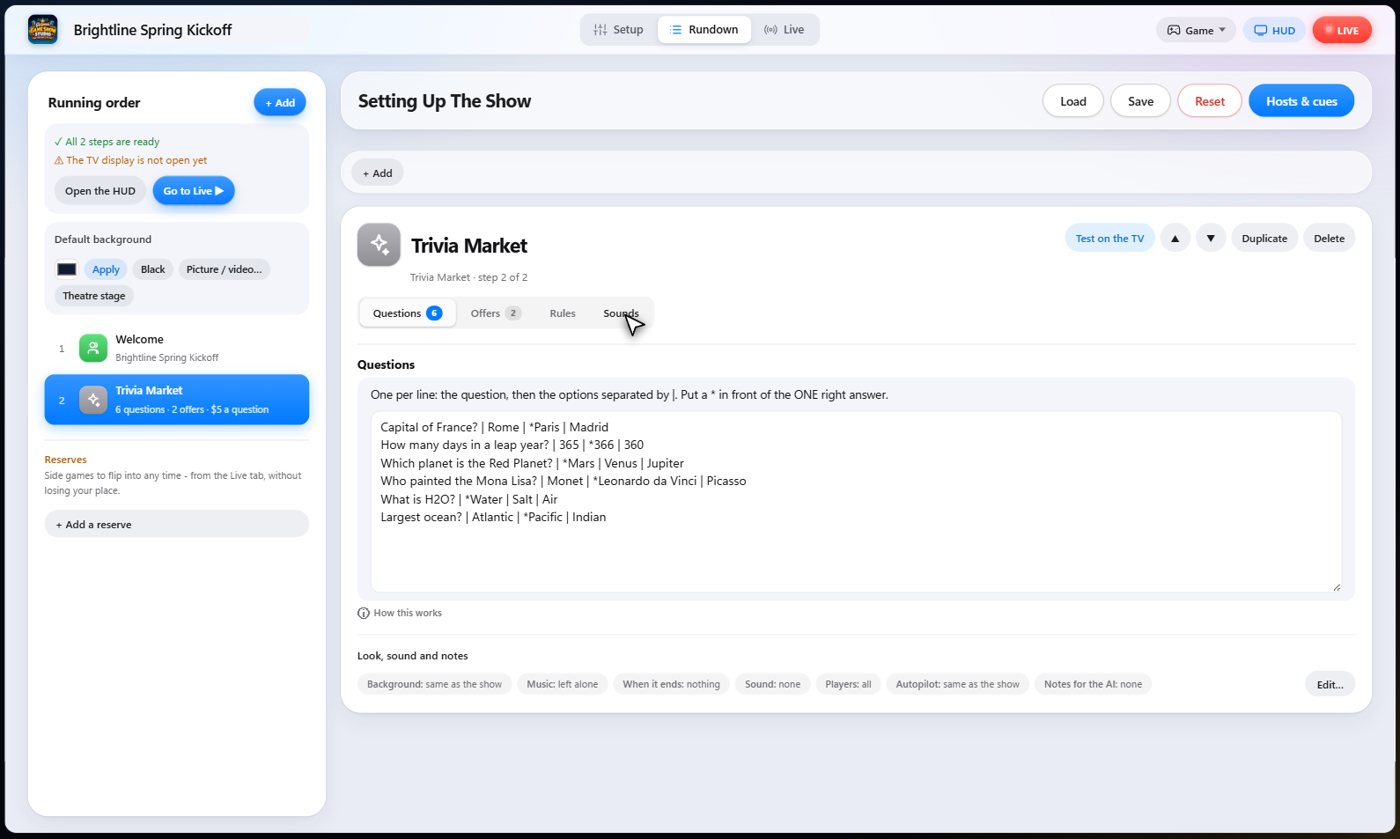
The Sounds tab picks the sound effect for each moment of the game.
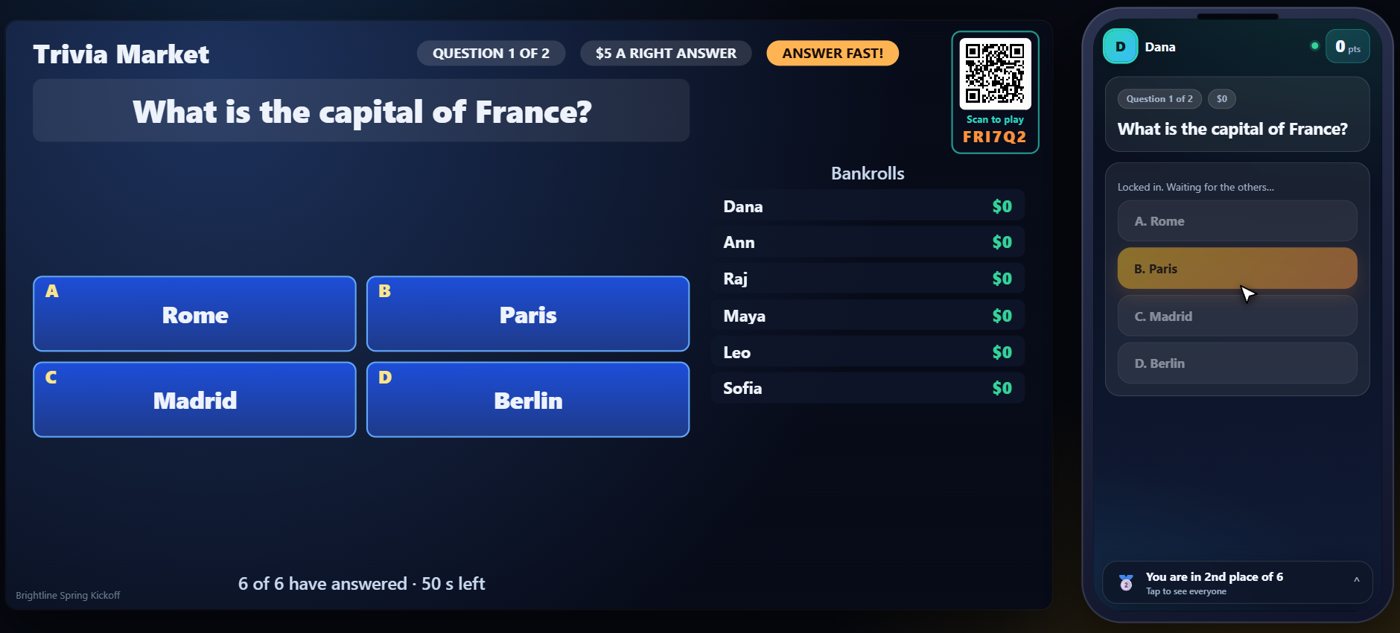
Answer the question
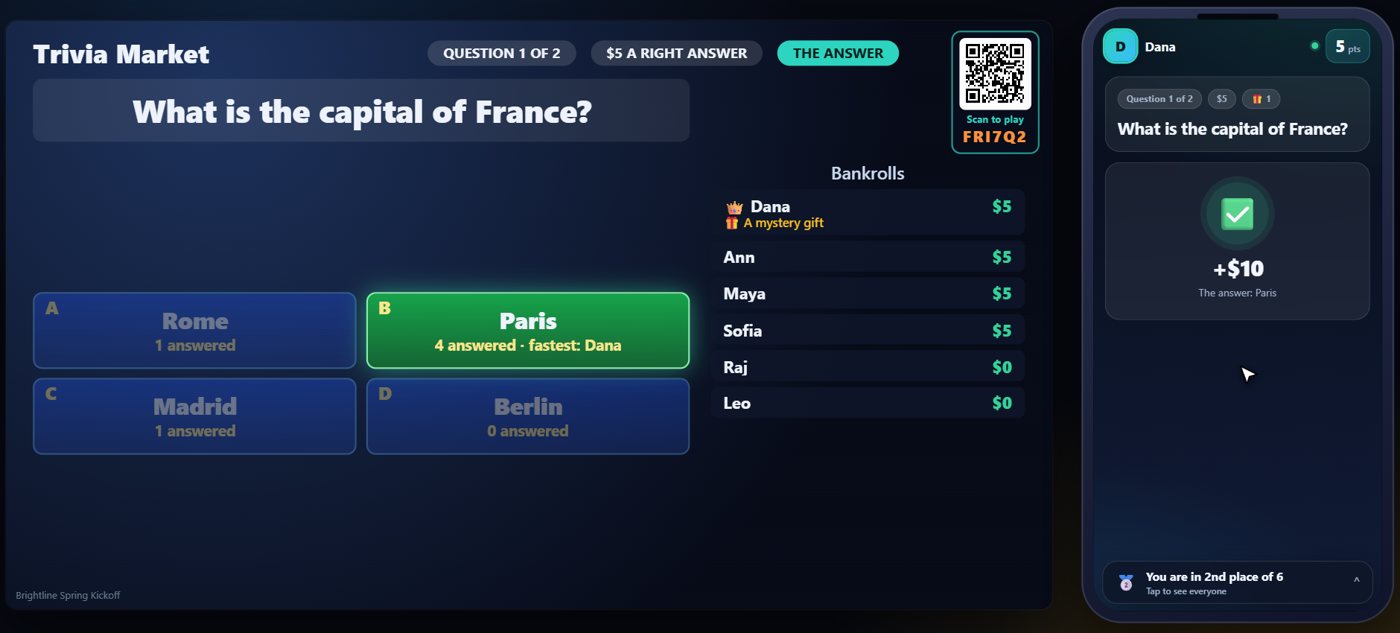
The question goes up on the TV, and every guest answers on their phone. The first answer a guest gives is the one that counts.
Bankrolls grow
When you reveal, the TV shows the right answer. Each right answer adds to that guest's bankroll, and the fastest right answer earns double.
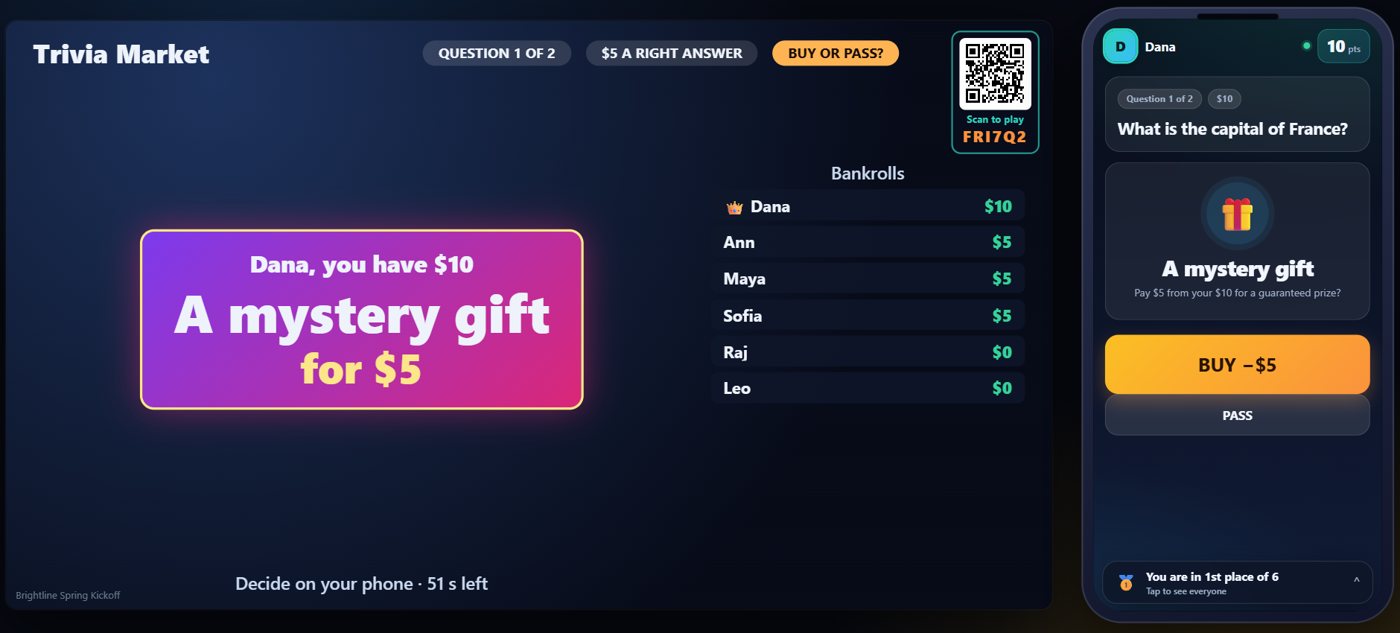
The offer
After a set number of questions, the leader is offered a reward for part of their bankroll. On the leader's phone, Buy takes the cost out of the bankroll and puts the reward on their card, and Pass keeps the bankroll as it is. Everyone else watches.
Your controls on the Live tab
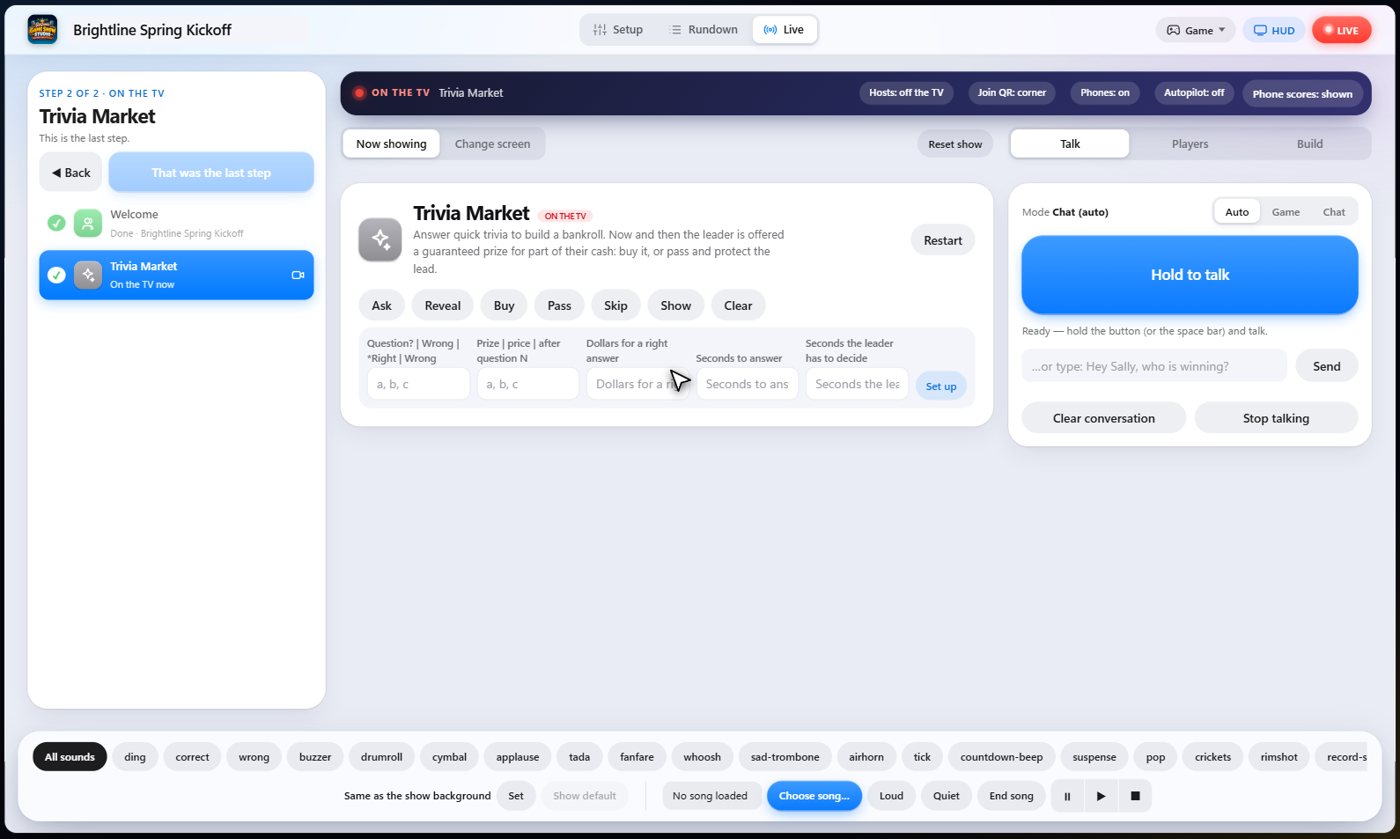
On the Live tab, Ask opens the next question, Reveal shows the answer and pays the bankrolls, Buy and Pass decide the offer for the leader if they are slow, and Skip drops a question.
Tip The same keys are on the Host Remote, so you can run Trivia Market from a phone or tablet.
How it ends
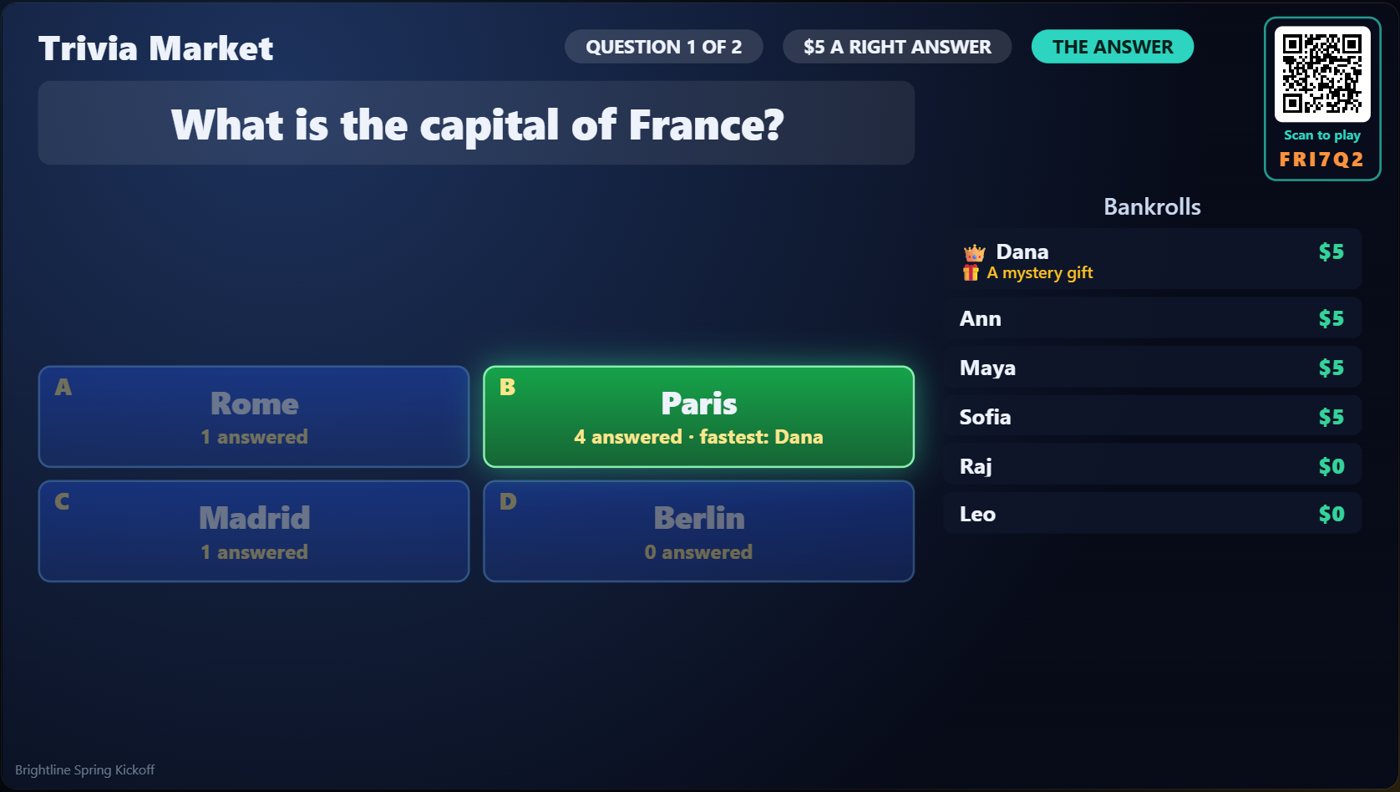
The TV keeps the bankrolls on screen, with the reward beside the guest who bought it.
Keep going

Build your show
The Rundown: add, arrange, check and save steps; reserves; defaults for every step.

The Host Remote
Run your show from a phone or tablet: start it, tap any step to see its keys, put it on the TV, and flip in a side game.

Your AI cohosts
Choose and name them, give them a personality, tell them about the show, set how they behave.
Something missing or unclear? Check the FAQ or browse all guides.