
Watch: Tap Derby (2:35) · All videos
What it is
Tap Derby is a horse race for teams: every guest taps a big button on their phone to make their team's horse run.
Add it to your show
It is one step in your Rundown, like any other game. Add it where you want it to play.
- Open the Rundown tab and press Add.
- Choose Tap Derby from the menu. It joins the end of the list and opens on the right.
Set it up
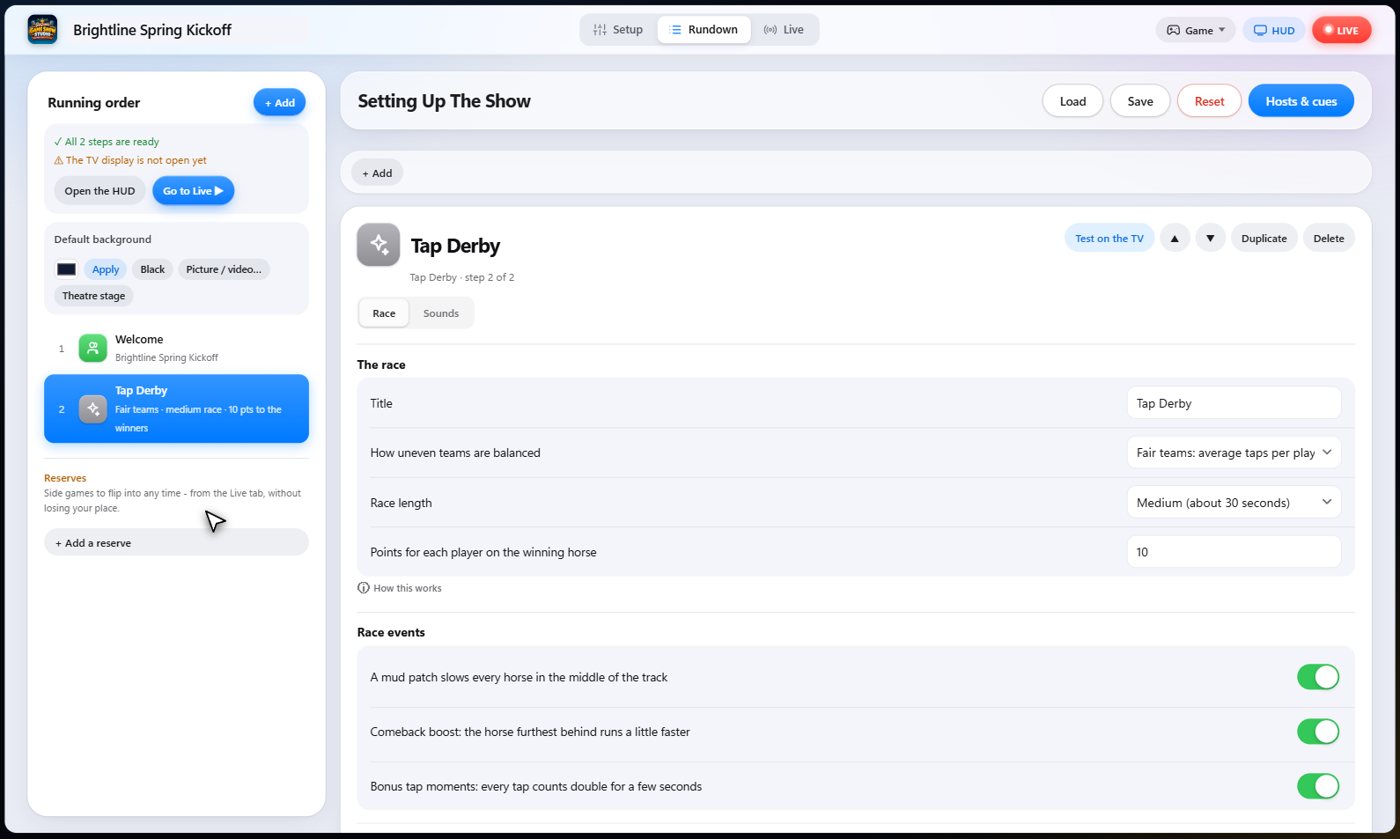
The Race tab holds the settings. Give the derby a title, choose how uneven teams are balanced, and how long the race is.
Fair teams uses the average number of taps per player, so a big team has no advantage. You also choose the points for the winners, and switch the mud patch, the comeback boost and the bonus tap moments on or off. If you have fewer than two teams, the guests are split into stables.
The Sounds tab picks the sound effect for each moment of the game.
The horses at the gate
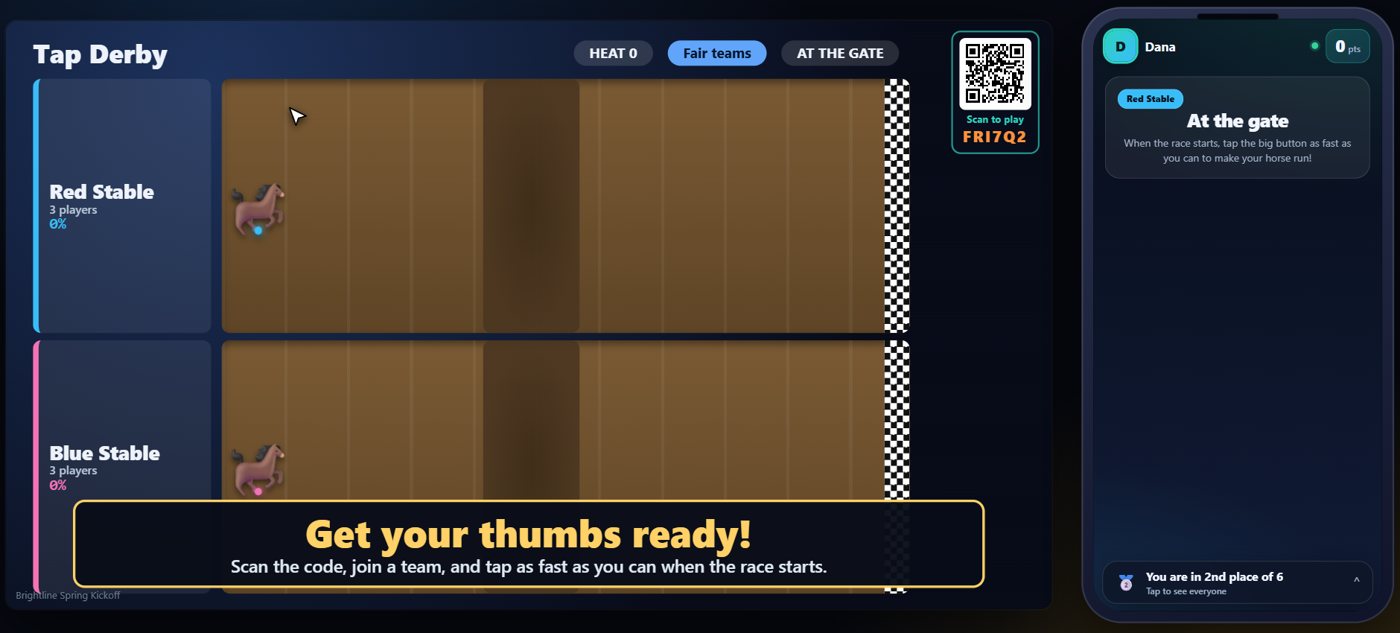
The TV shows the track with a horse for each team. Every guest's phone says they are at the gate and shows which horse is theirs.
Tap to run
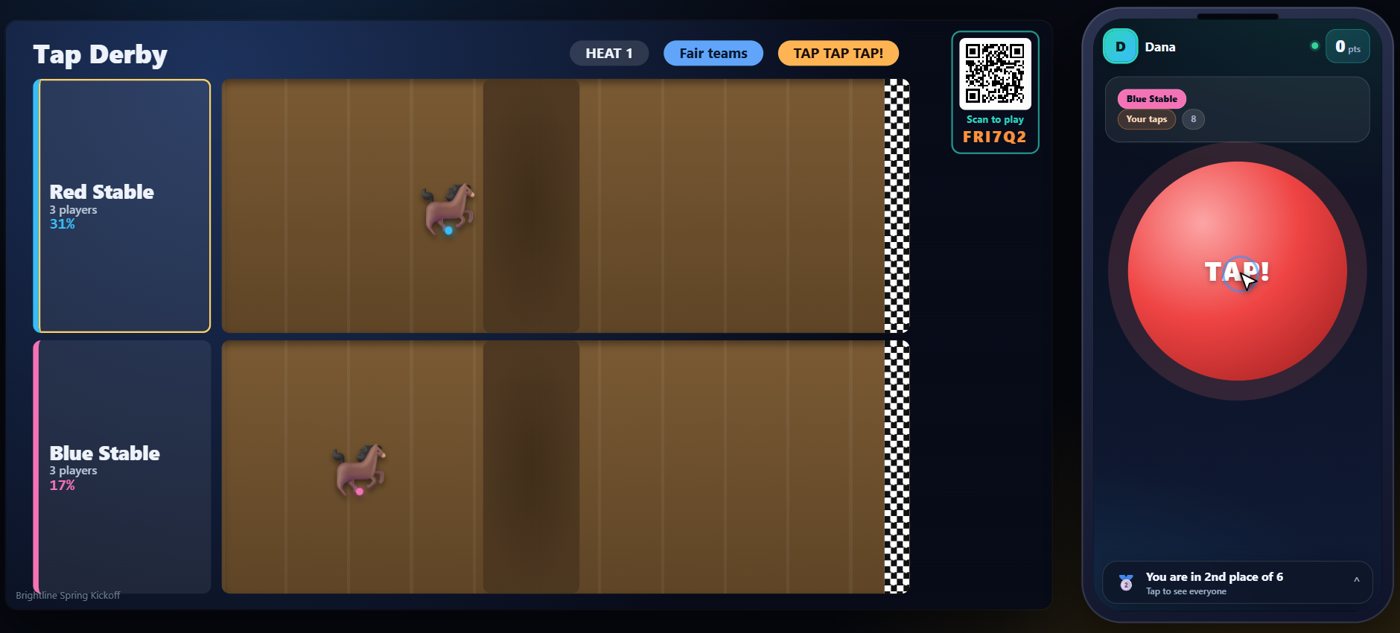
When you start the race, a countdown runs on the TV and on every phone. Then everyone taps as fast as they can. The phone counts your own taps, and your horse runs along the track.
The finish
While the race runs, the horses move along the track on the TV, and the order changes as the taps come in. A phone is counted only up to what a hand can really do, so nobody gains by holding the button down. The race ends when a horse crosses the finish line. The TV names the winning team, and every phone shows the winner and how many times you tapped.
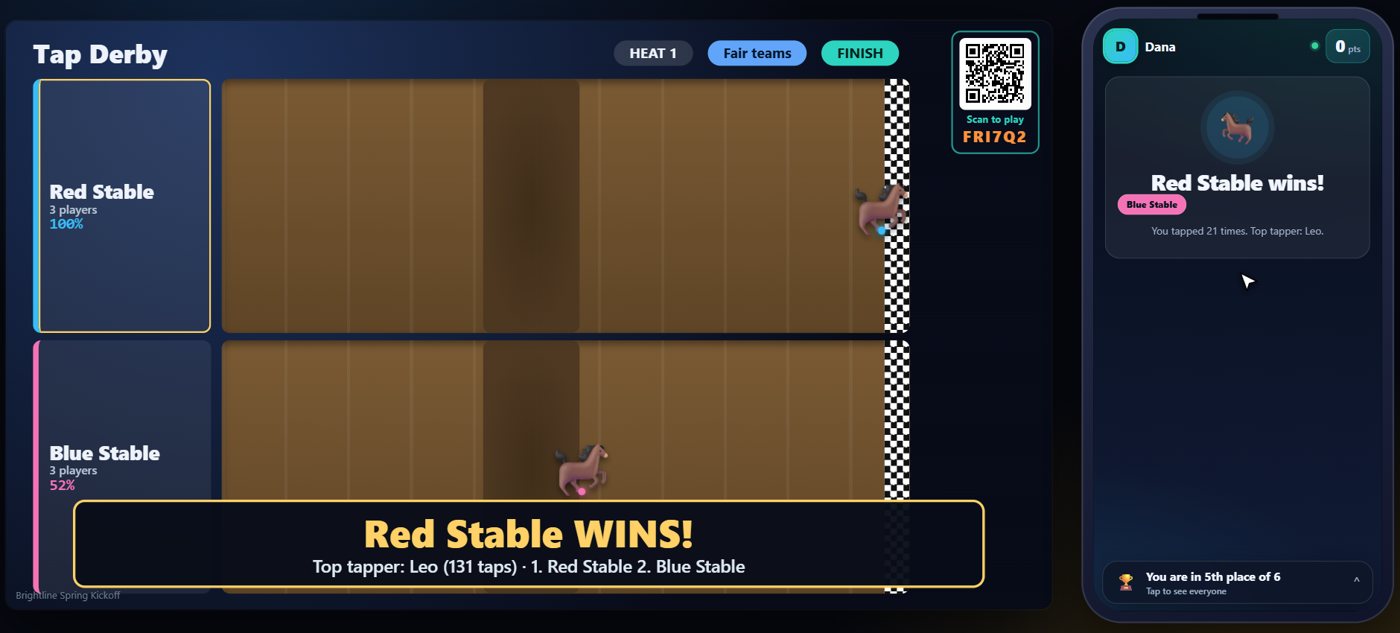
Your controls on the Live tab
On the Live tab, Start the race begins the countdown, Stop the race ends it early and the horse furthest along wins, and Next heat sends everyone back to the gate for another race.
Tip The same keys are on the Host Remote, so you can run Tap Derby from a phone or tablet.
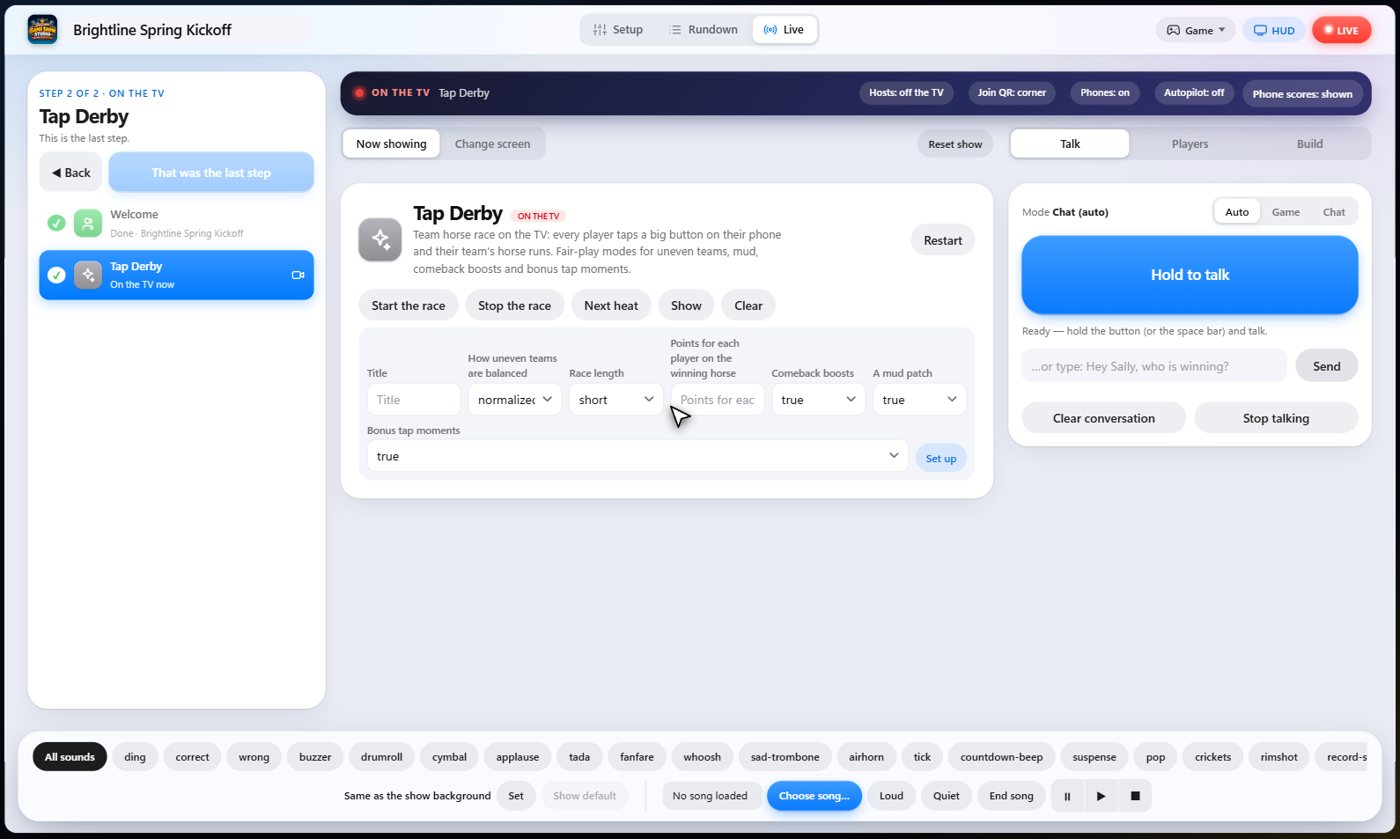
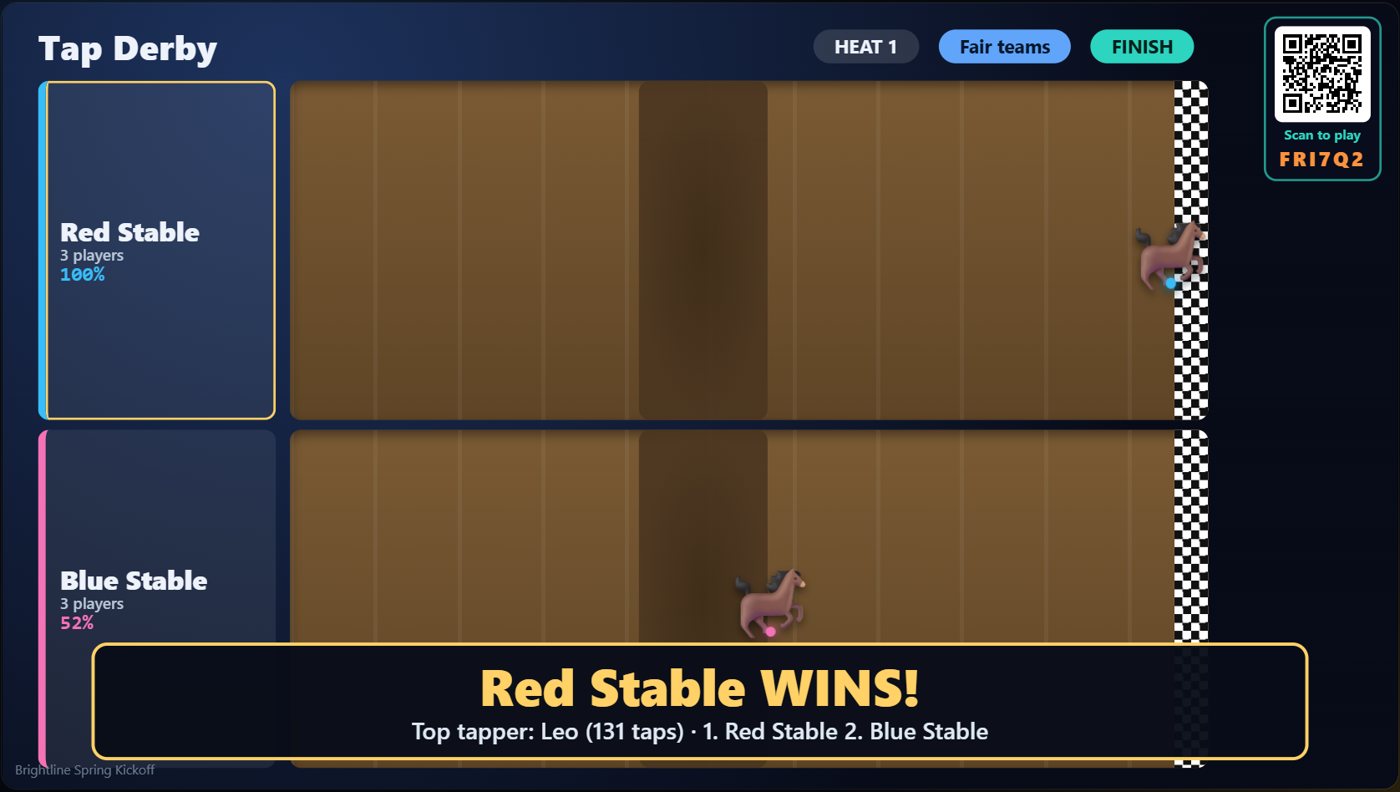
How it ends
The TV keeps the final track on screen, with the winning horse in front.
Keep going

Build your show
The Rundown: add, arrange, check and save steps; reserves; defaults for every step.

The Host Remote
Run your show from a phone or tablet: start it, tap any step to see its keys, put it on the TV, and flip in a side game.

Your AI cohosts
Choose and name them, give them a personality, tell them about the show, set how they behave.
Something missing or unclear? Check the FAQ or browse all guides.