
Watch: Working With Your AI Cohosts (3:42) · All videos
Choose how many
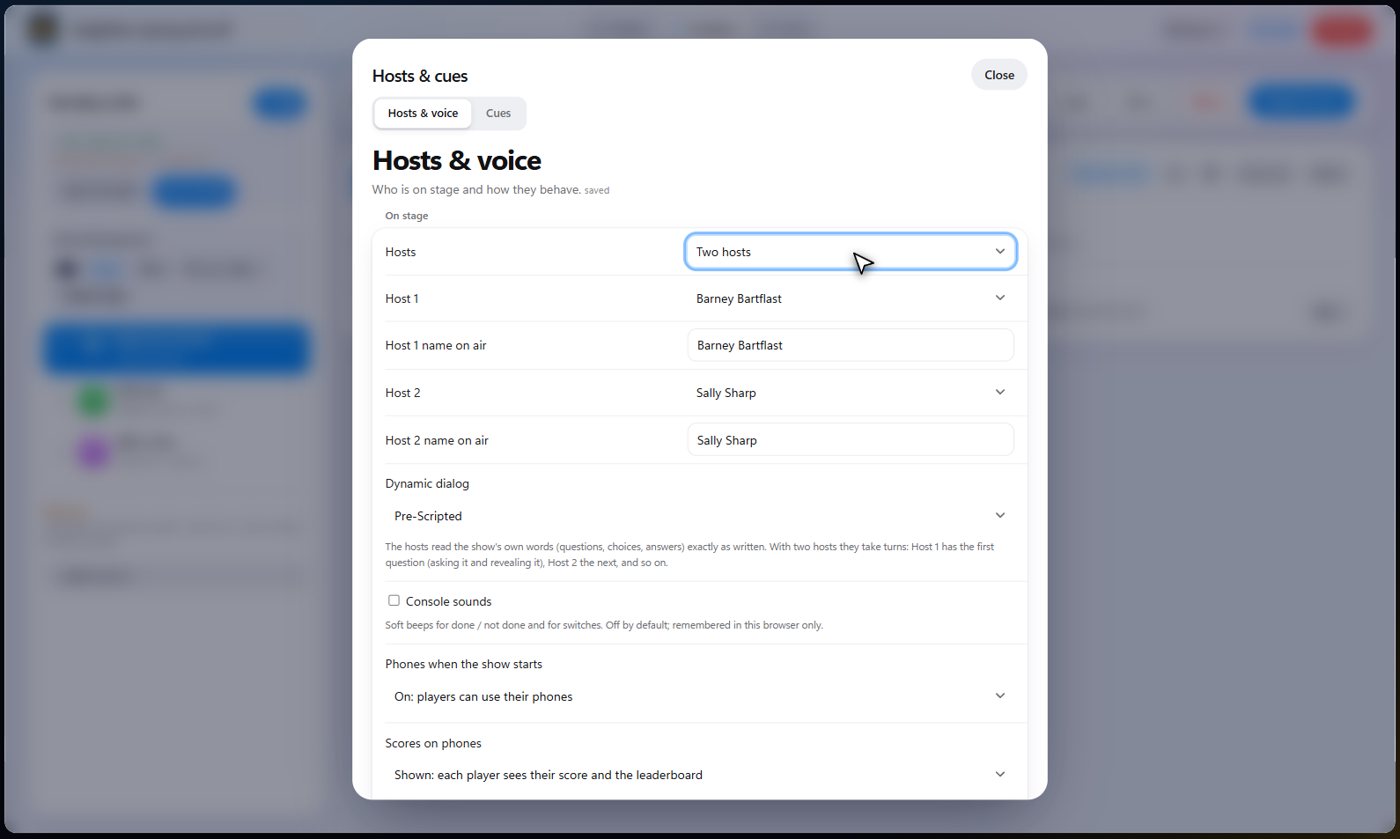
Your AI cohosts are set up in one place: Hosts and cues, on the Rundown. First, choose how many: no hosts, one, or two. With no hosts, the TV has nobody on it and nobody speaks. With two hosts they share the show: they take turns by question (see Pre-Scripted or Dynamic AI dialog below).
Voices and names
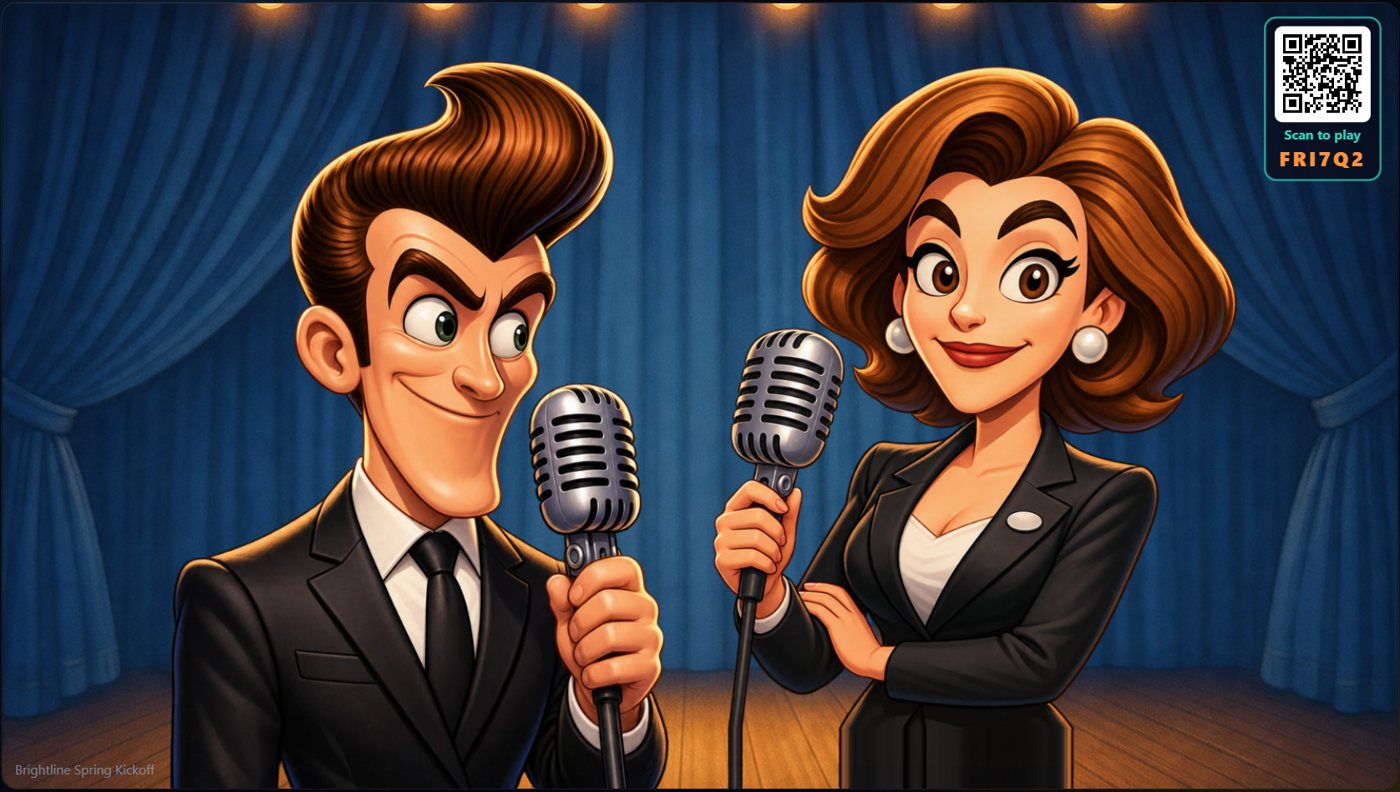
Pick a voice for each host, and give each one the name you want them to use on air. Every voice in the list can host. Sally Sharp and Barney Bartflast are animated, so they appear on the TV; a voice marked "(voice only, no image)" speaks, but has no character on the screen.
Pre-Scripted or Dynamic AI dialog
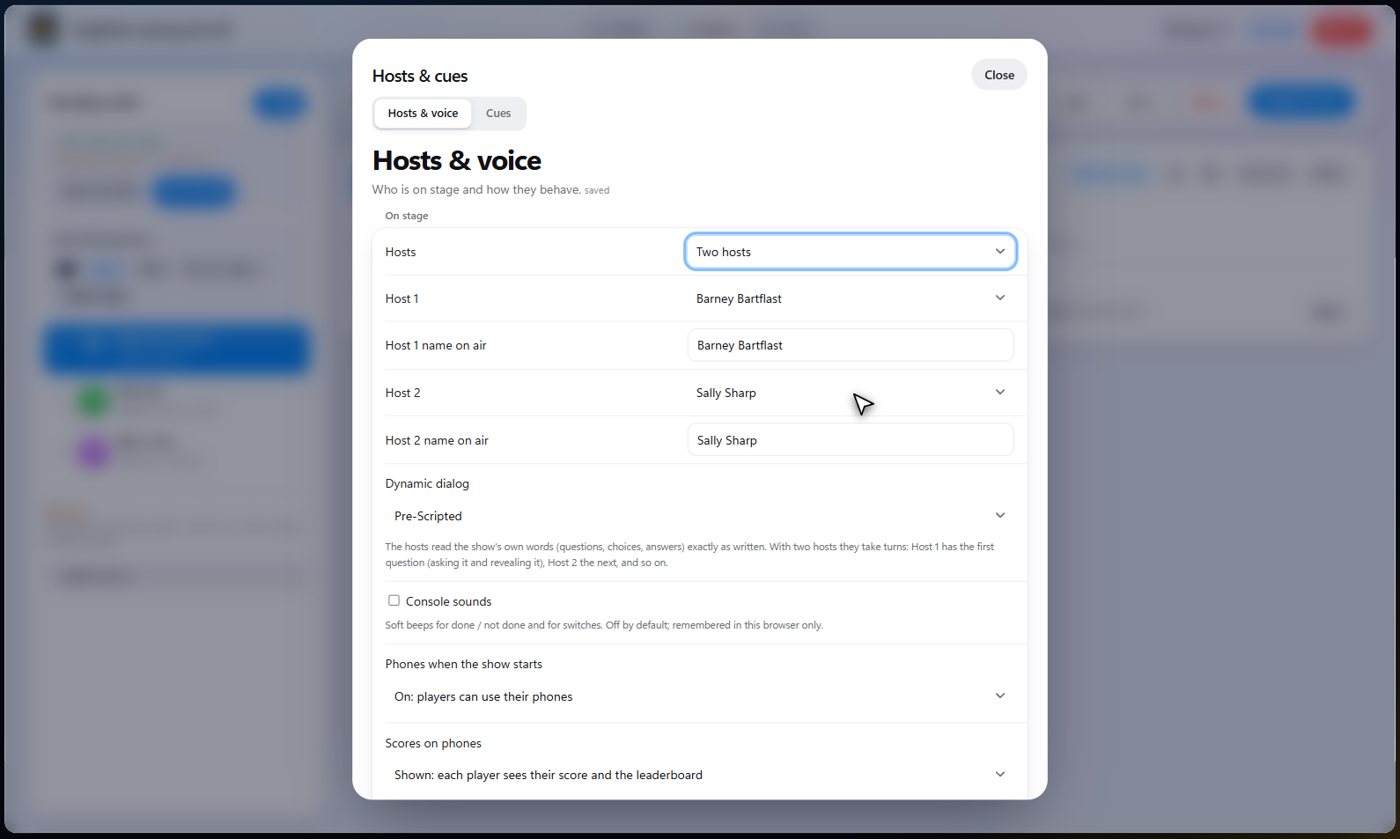
Under the host choices, Dynamic dialog decides how your cohosts say what the show says: the questions, their choices, the answers and the announcements.
Pre-Scripted (the default) reads the show's own words exactly as you wrote them. With two hosts they take turns by question: the first host has question 1, asking it and then revealing its answer, the second host has question 2, and so on. It is quick, reliable and the cheapest.
Dynamic AI has the AI write what the hosts say, so it is different every time and the hosts can bounce off each other. One host leads each question and the other may add a short line, then the next question is led by the other host. The whole question and every choice are still said, and the answer is still given in the reveal. If the AI leaves a choice or the answer out, the show says it plainly right after. Dynamic AI is the most expensive way to run a show: every question, answer and announcement is an AI turn that uses your AI tokens.
Tip Use Pre-Scripted for a quiz where the exact wording matters. Choose Dynamic AI for a looser, funnier show.
Tip The choice is saved with the show, so different shows can use different modes. With one host there is nobody to take turns with, but Dynamic AI still has that host word each line in their own way.
Tip If you press the AI buttons yourself, such as the one that asks the next question, the AI follows the same turn-taking when Dynamic AI is chosen.
Describe their personality
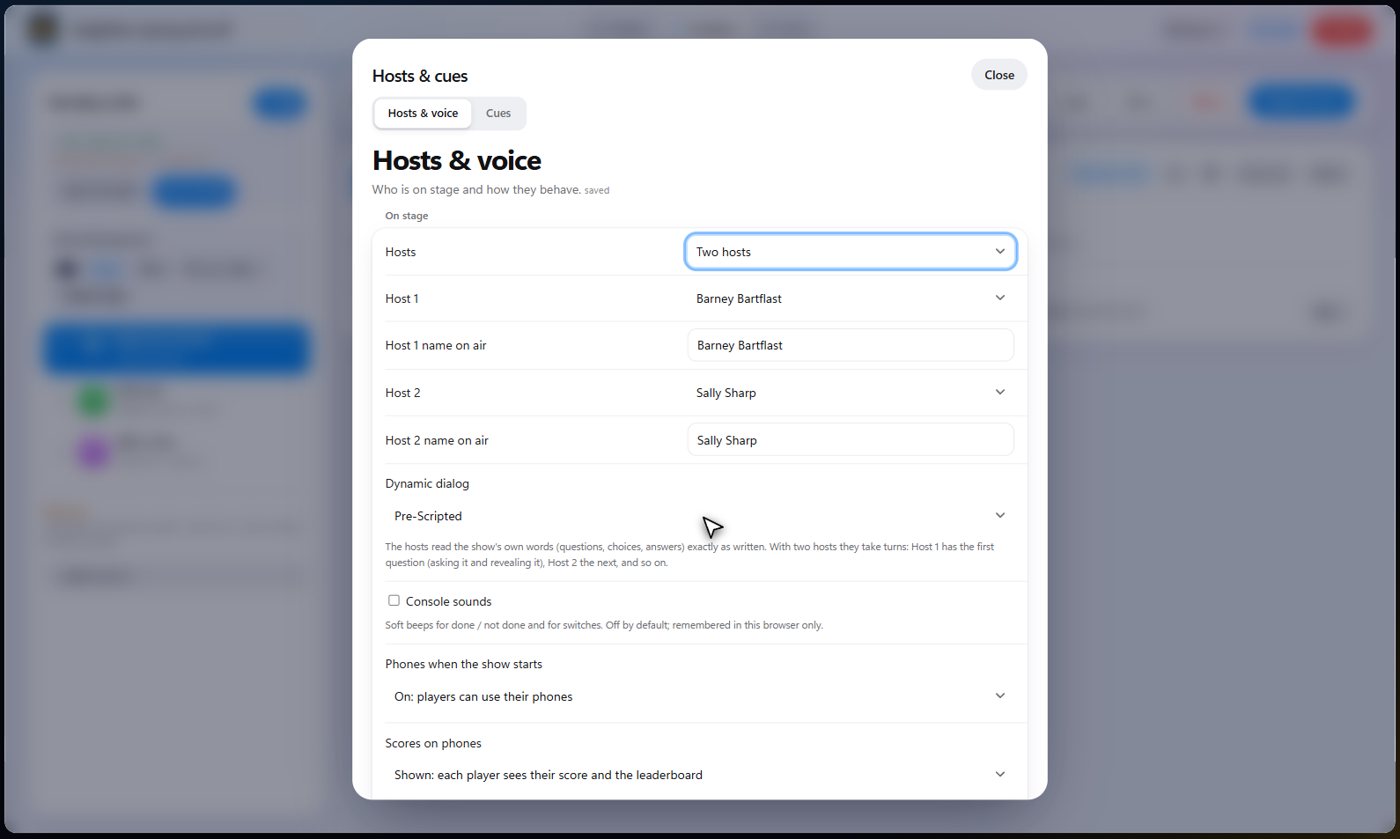
Say it in your own words, for example a warm, quick host who loves a good pun and cheers on the quieter players. The AI turns it into a few good sentences. Read it over, and use it. You can edit it any time.
- Open Hosts and cues and find the host's personality.
- Press the AI assistance button and describe the host in a few words.
- Press Write it, read the result, then press Use this.
Tell them about the show
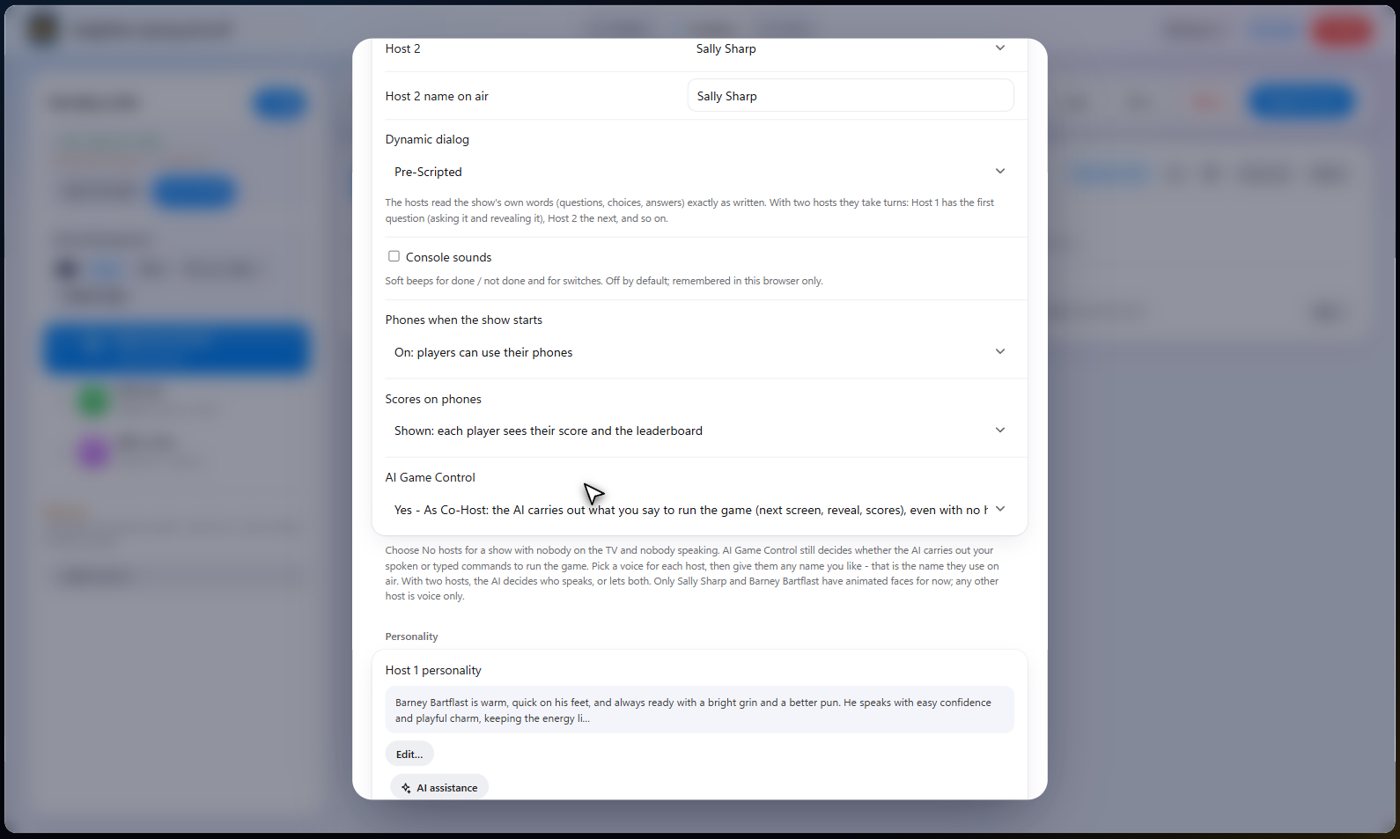
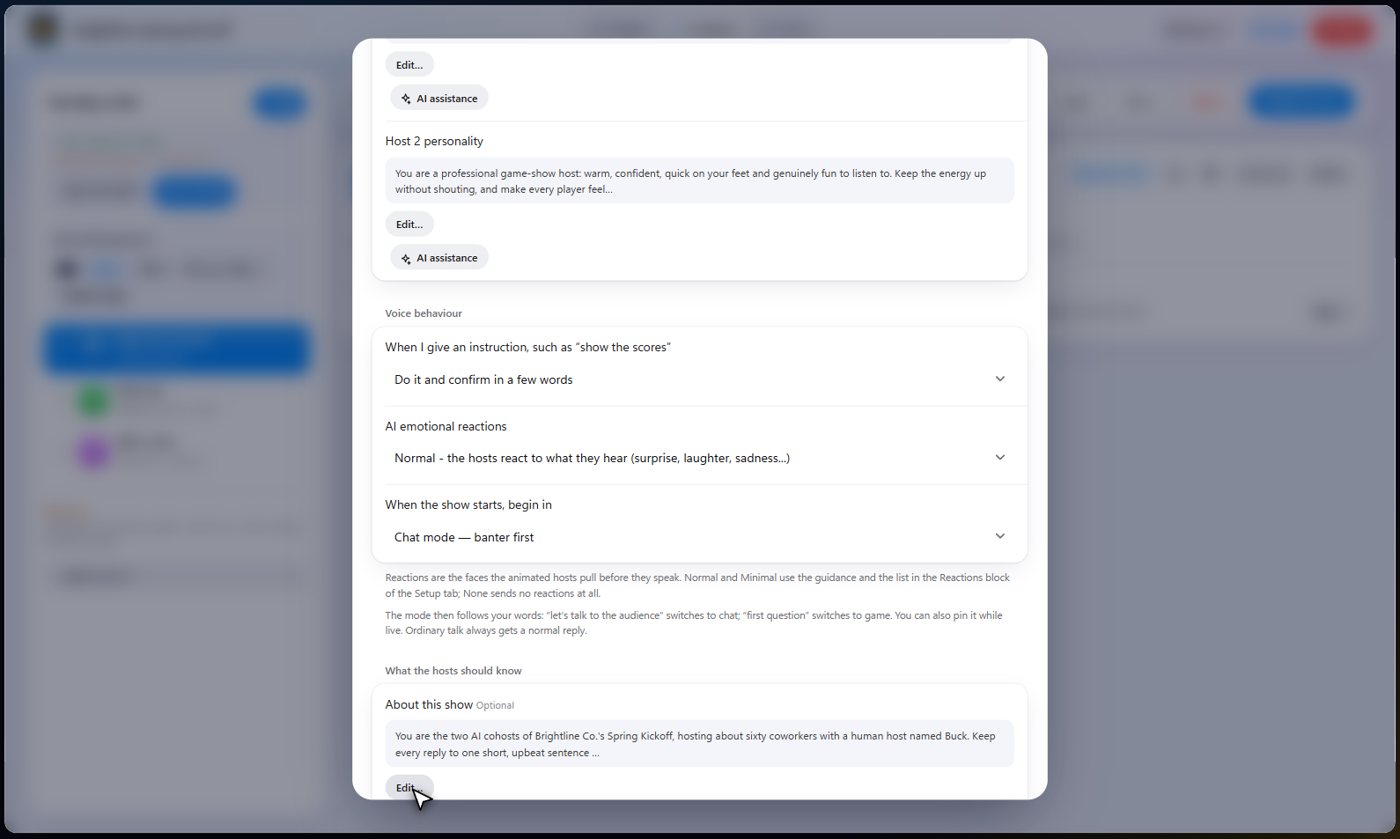
Say who the audience is, where you are and what the night is for. The cohosts use it in everything they say, and it keeps their replies short and on topic.
How they behave
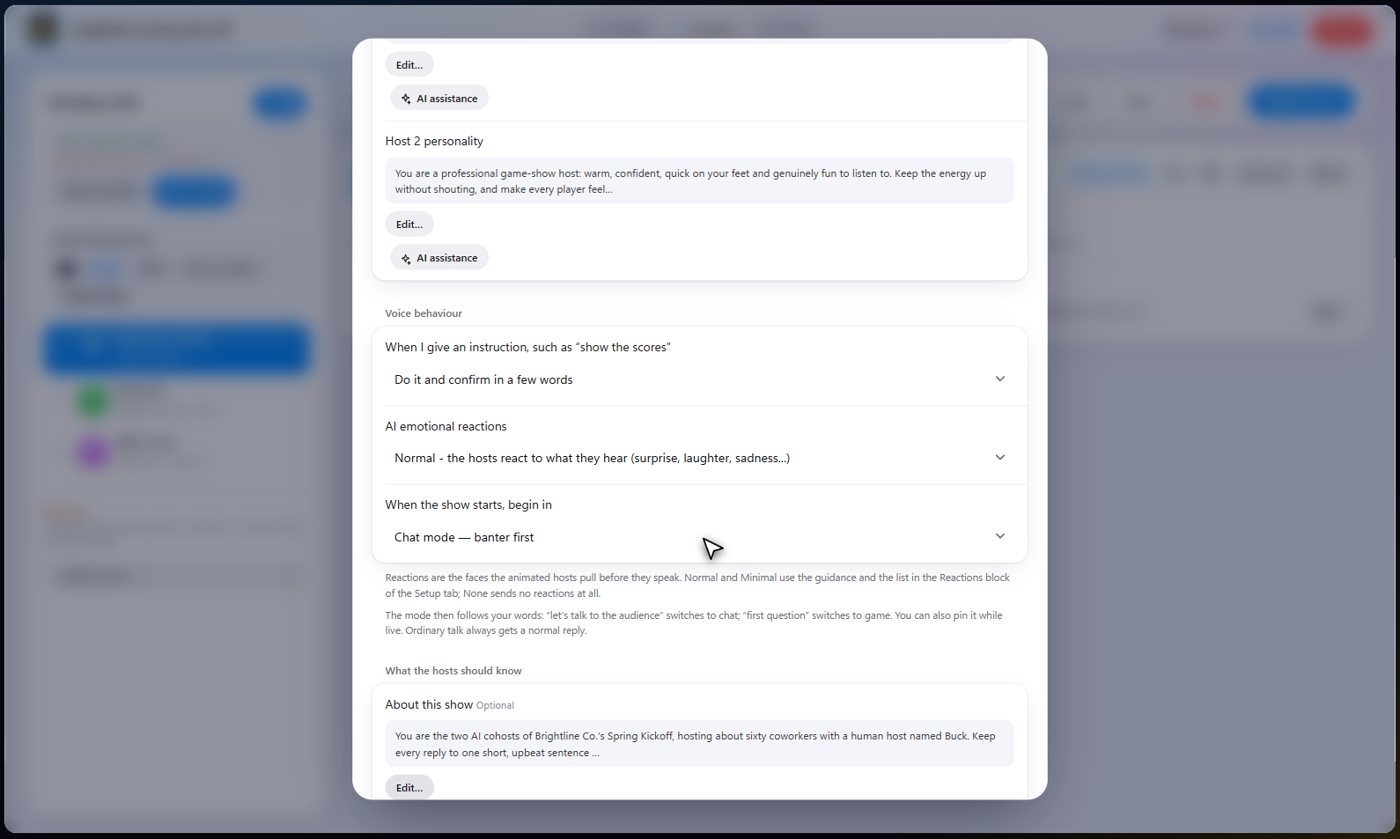
When you give an instruction, they can do it silently, confirm in a few words, or reply in full. Their emotional reactions can be normal, minimal or off. You also choose whether the show starts in chat mode, with banter first, or game mode.
AI Game Control
AI Game Control decides whether the AI may run the game for you. On, your cohosts can change screens, reveal answers and play sounds when you ask. Off, they only talk, and you press every button yourself.
Autopilot: let the cohosts run the game
Autopilot lets the cohosts run the game on the TV by themselves. They ask each question or start each round out loud, wait until everyone has answered (or the time you chose is up), show the answer, score it and go on to the next one. With two hosts they take turns by question, and with Dynamic AI chosen the AI words each question and answer. Trivia, the guessing rounds (tunes, pictures, prices), bingo, the wheel, polls, closest number, written answers, the timer, drawing games, photo rounds and the show cards all run this way. Four games still need a person, and autopilot stops and tells you when it reaches one: the buzzer (someone has to mark each answer right or wrong), Squares (someone enters the real score), a queue (you bring up each singer or song) and any step that waits for you to enter an answer.
- On the Live tab, open Autopilot in the purple bar.
- Choose On - run the whole show to have the cohosts start the show if it has not started, run every step and go on to the next one by themselves, or On - just this step to run only the game that is on the TV and then wait for you.
- Set how many seconds to wait for answers.
- Choose Off whenever you want to take over: the cohosts stop at once.
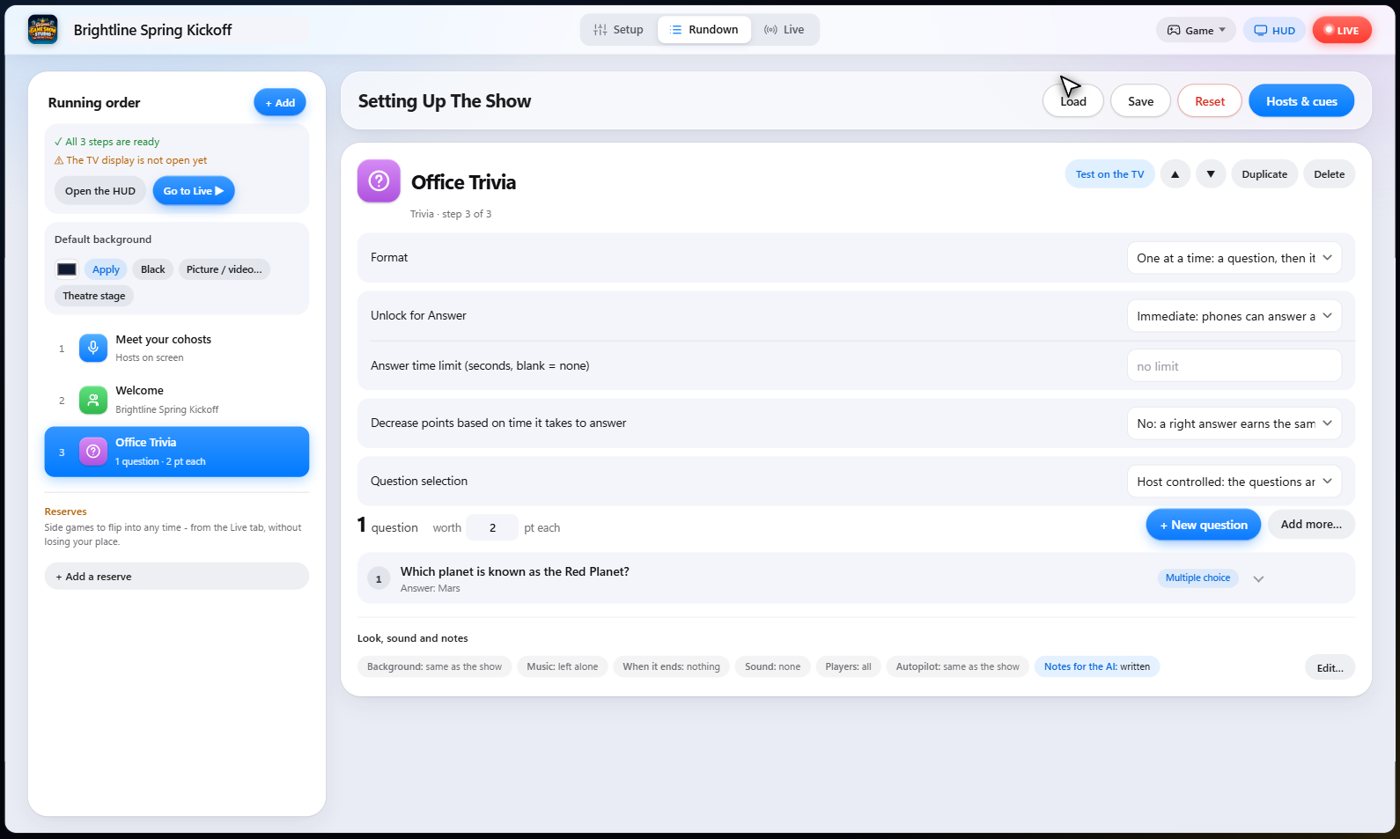
Tip You can also set it for one step: open the step in the Rundown, press Edit under Look, sound and notes, and choose Autopilot. A step set to Off is always run by you.
Tip Bingo on autopilot calls a number every few seconds and stops at the first Bingo. Players still tap their own squares and press Bingo on their phones.
Tip In the photo showdown, autopilot uses every photo as a finalist, so check the photos are fine for the room first.
Notes for a step
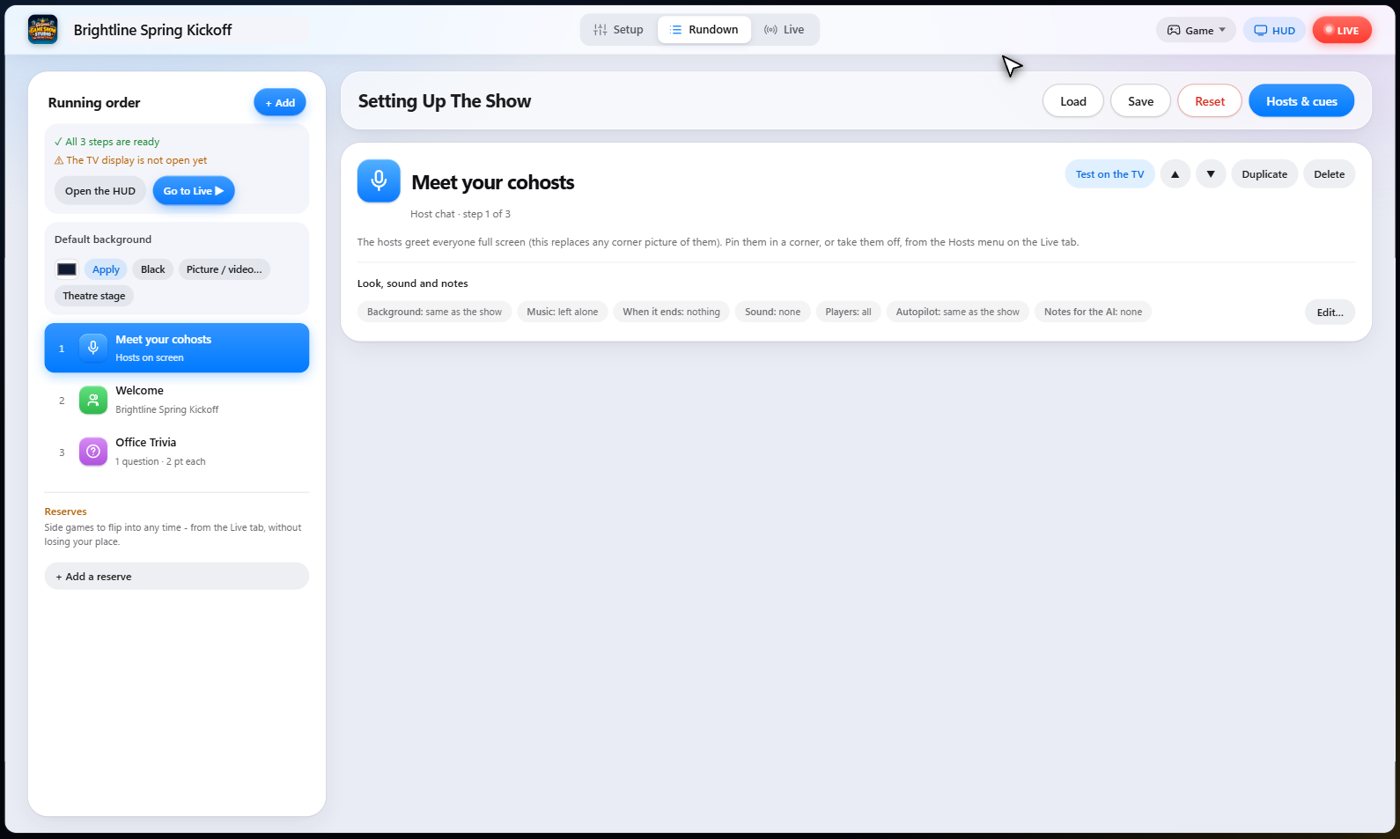
Leave notes on any step, for the cohosts only. Say what to mention, or how to introduce it. The audience never sees them. Find them in the step's Look, sound and notes row.
Talk to them
Hold the button and speak, or type, and they answer out loud, in their own voices, and on the TV. On the Live tab, the Hold to talk button and the message box are always there, so you can talk to your cohosts at any moment.
Keep going


Something missing or unclear? Check the FAQ or browse all guides.