
Watch: Fact or Fake (2:21) · All videos
What it is
Fact or Fake shows an odd word and several explanations, and only one is true. Guests write convincing fakes, then everybody votes for the one they think is real.
Add it to your show
It is one step in your Rundown, like any other game. Add it where you want it to play.
- Open the Rundown tab and press Add.
- Choose Fact or Fake from the menu. It joins the end of the list and opens on the right.
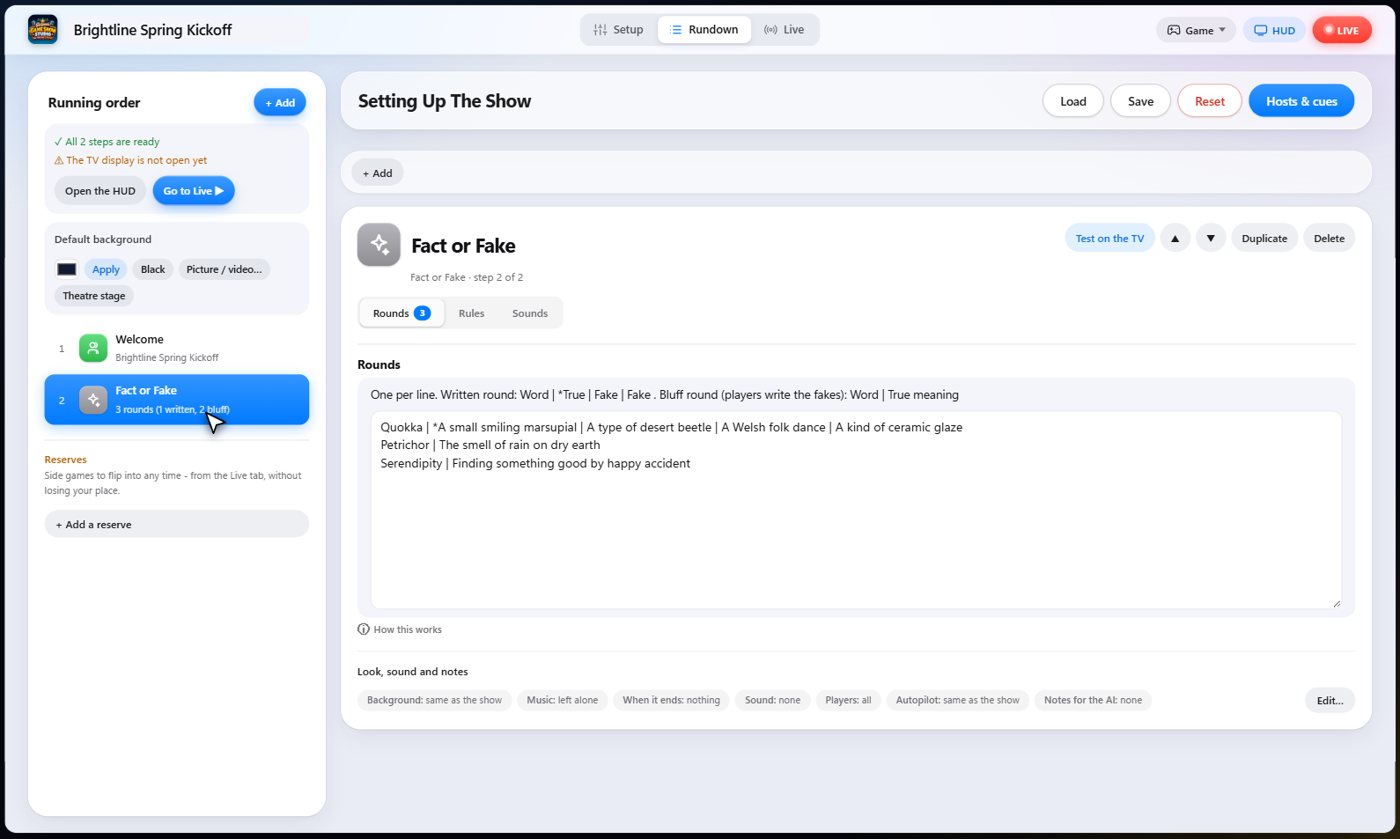
Set it up
The settings hold your rounds, one per line. For a written round, give the word, the true explanation with a star, and the fakes. For a bluff round, give the word and its true meaning, and the guests write the fakes.
Choose the points for finding the truth, for each vote a fake collects, the bonus for the best fake, and the writing and voting timers.
The Sounds tab picks the sound effect for each moment of the game.
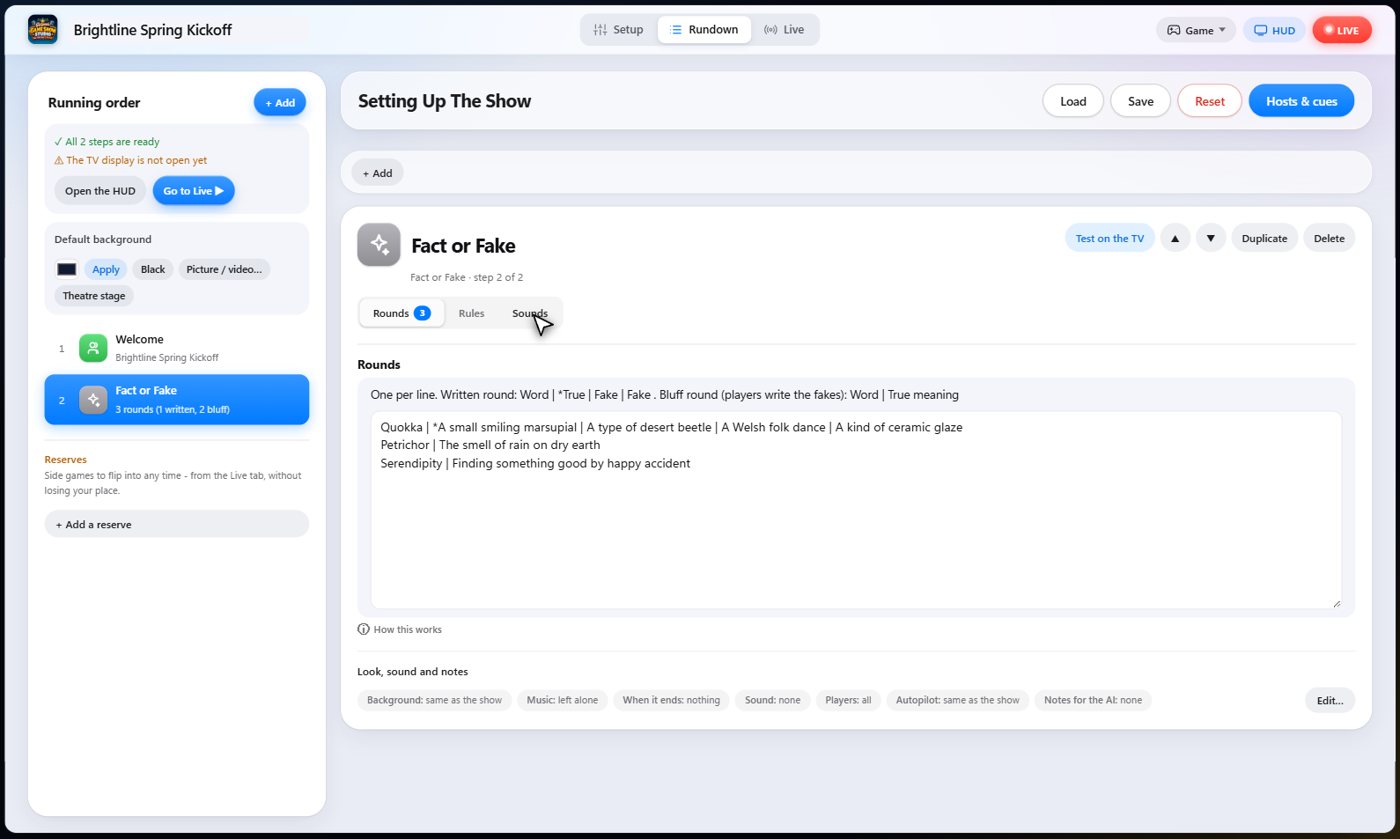
Write a fake
In a bluff round, the TV shows the word and every guest secretly writes a fake meaning on their phone. Players who fool others earn points, so the fake should sound true. Fakes that match each other, or match the true meaning, are merged or refused, so every explanation in the vote is different.
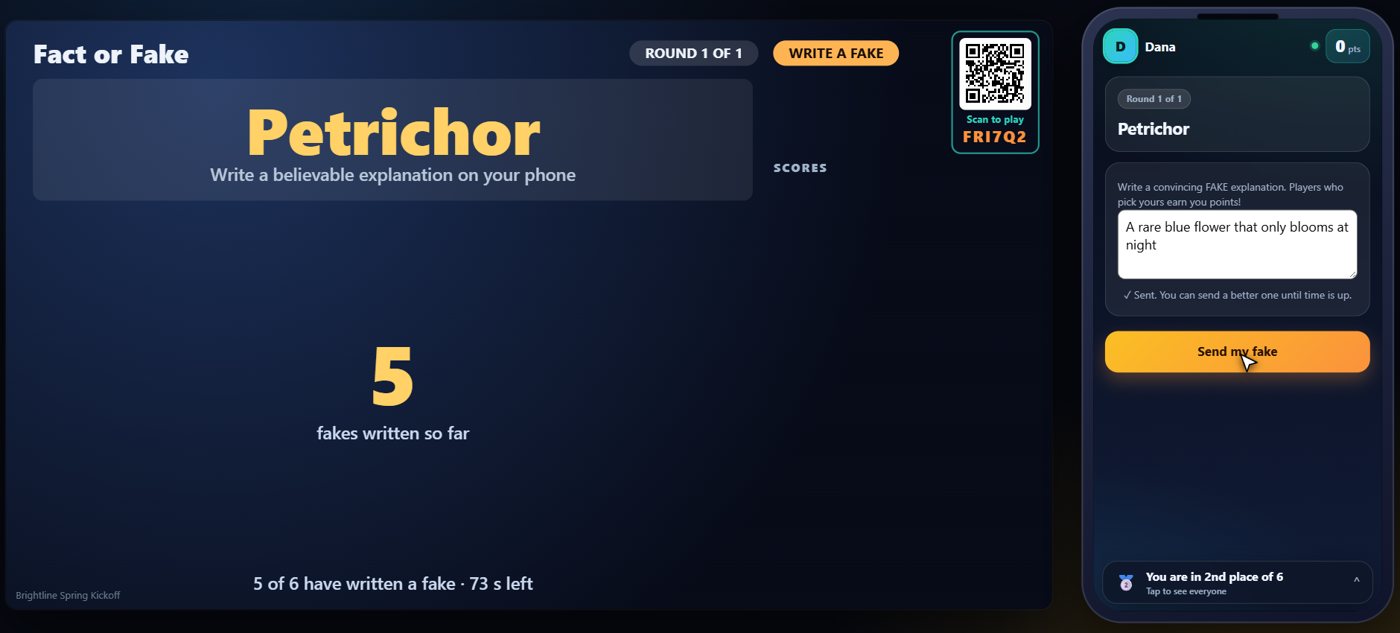
Vote for the real one
When the writing is done, start the vote. The TV and every phone list the explanations, the true one and all the fakes, in a mixed order. Guests vote for the one they think is real. Nobody can vote for their own.
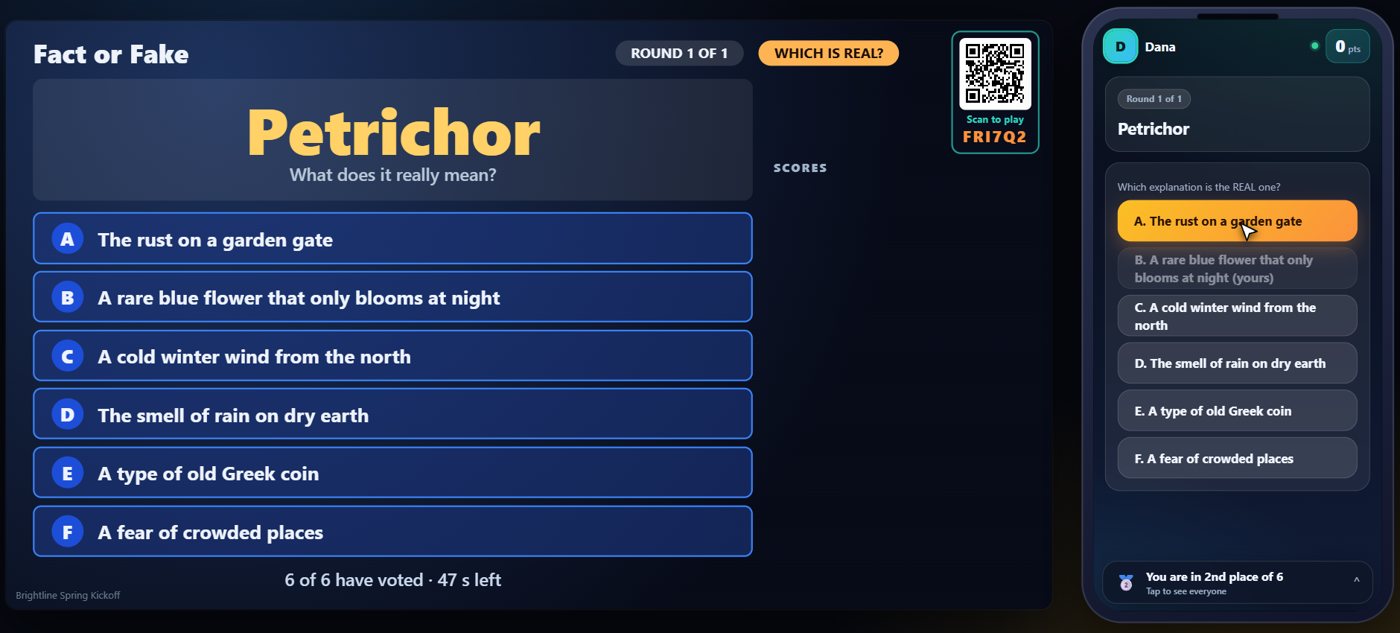
The truth
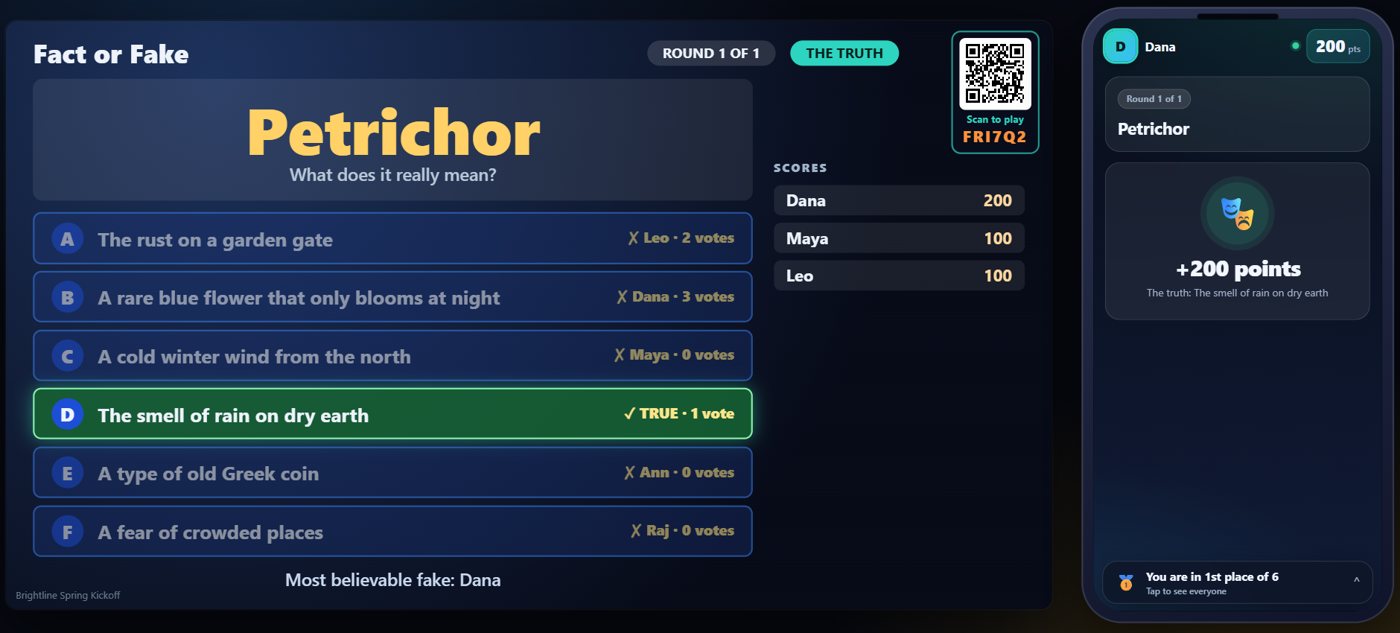
When you reveal, the TV shows which explanation was true, who wrote each fake, and how many votes each got. Guests score for finding the truth and for every vote their fake collected.
Your controls on the Live tab
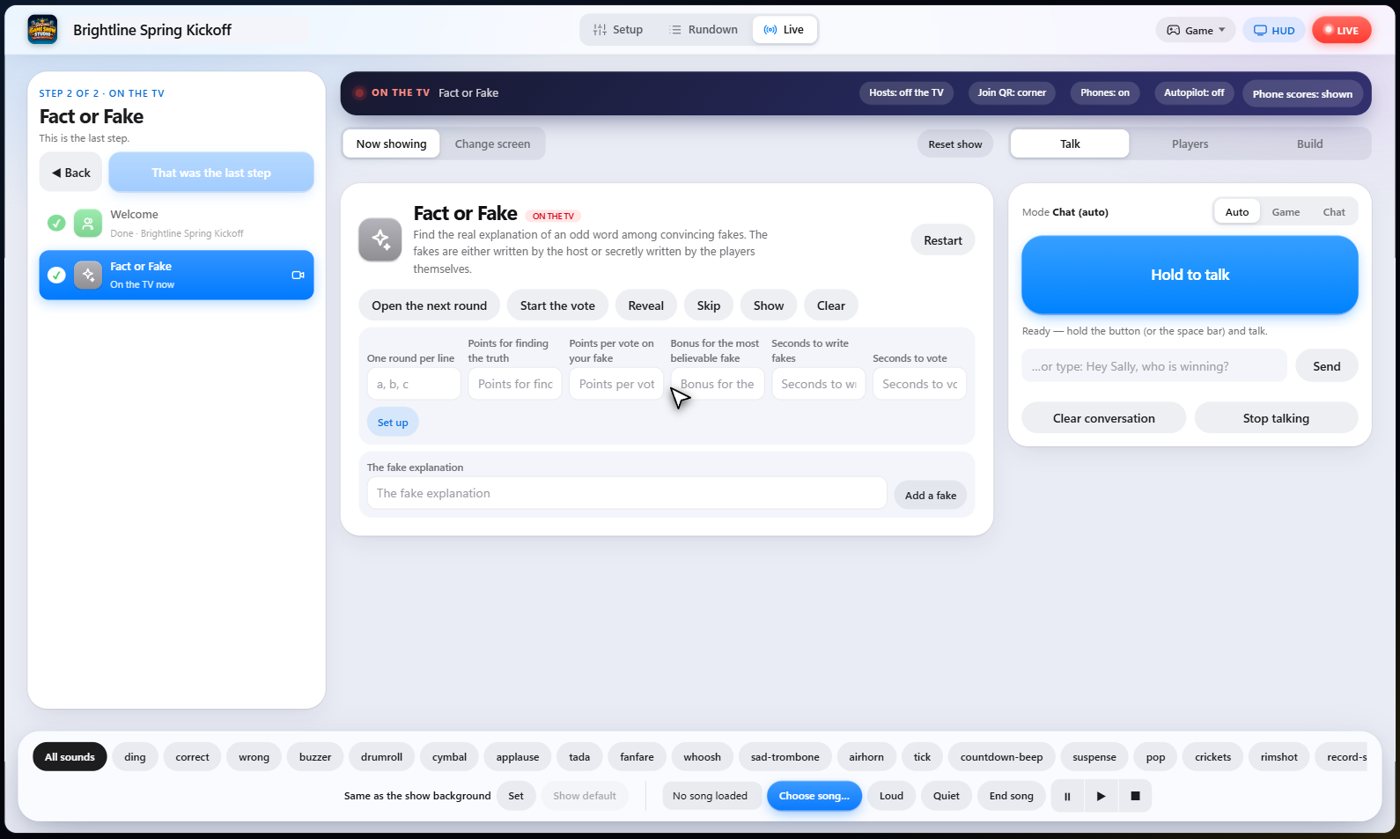
On the Live tab, Open the next round shows the next word, Add a fake lets you add one of your own while guests are writing, Start the vote ends the writing, Reveal shows the truth and scores the round, and Skip drops a round.
Tip The same keys are on the Host Remote, so you can run Fact or Fake from a phone or tablet.
How it ends
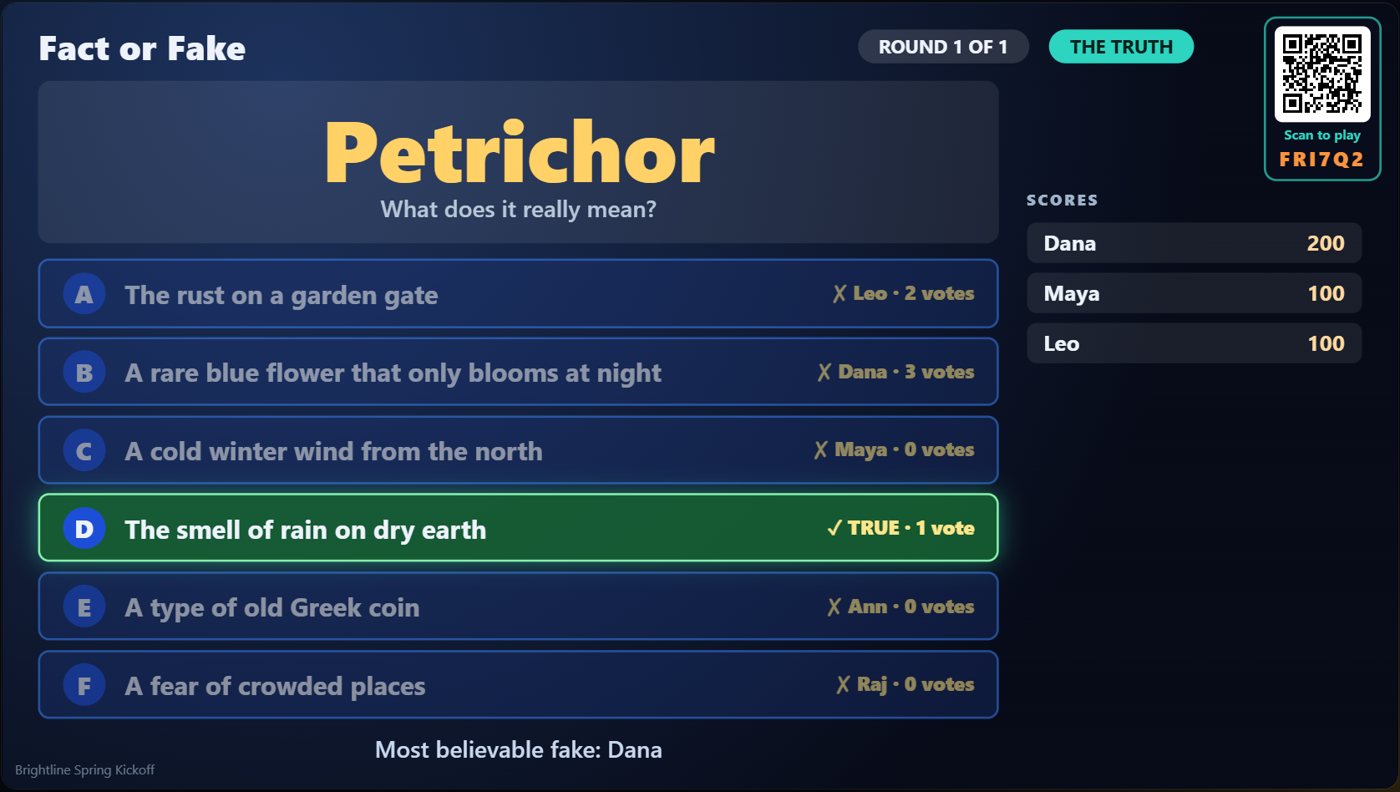
The TV keeps the true explanation, the fakes and their votes on screen.
Keep going

Build your show
The Rundown: add, arrange, check and save steps; reserves; defaults for every step.

The Host Remote
Run your show from a phone or tablet: start it, tap any step to see its keys, put it on the TV, and flip in a side game.

Your AI cohosts
Choose and name them, give them a personality, tell them about the show, set how they behave.
Something missing or unclear? Check the FAQ or browse all guides.