
Watch: Three Answers (2:20) · All videos
What it is
In Three Answers, every question has exactly three right answers hidden among a few wrong ones. Guests race to buzz in, and the fastest gets first choice.
Add it to your show
It is one step in your Rundown, like any other game. Add it where you want it to play.
- Open the Rundown tab and press Add.
- Choose Three Answers from the menu. It joins the end of the list and opens on the right.
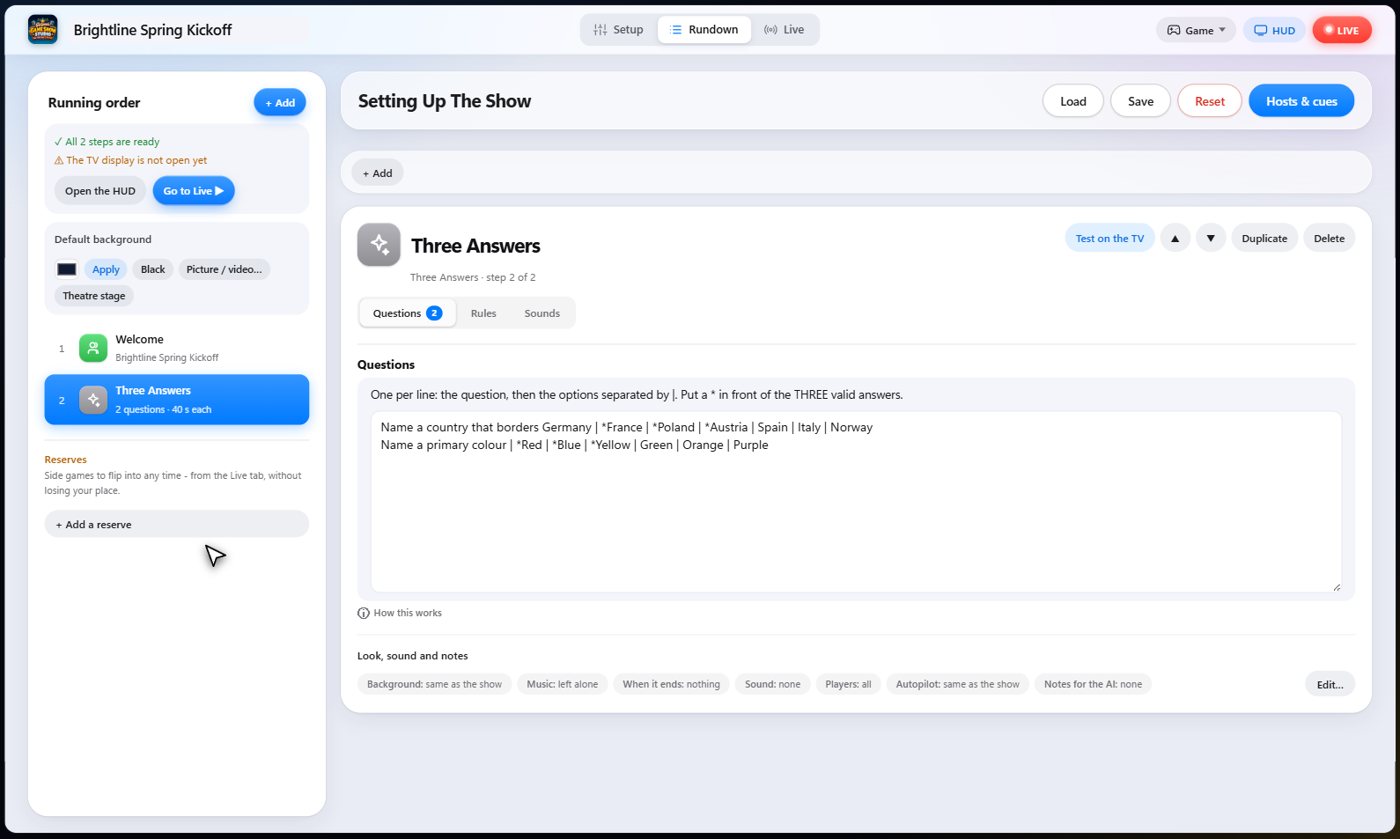
Set it up
The settings hold your questions, one per line: the question, then the answers separated by bars, with a star in front of exactly three right ones. Add any wrong answers you like.
Choose the points for the first, second and third answer, the bonus for finding all three, the question timer, and how long a player has to choose.
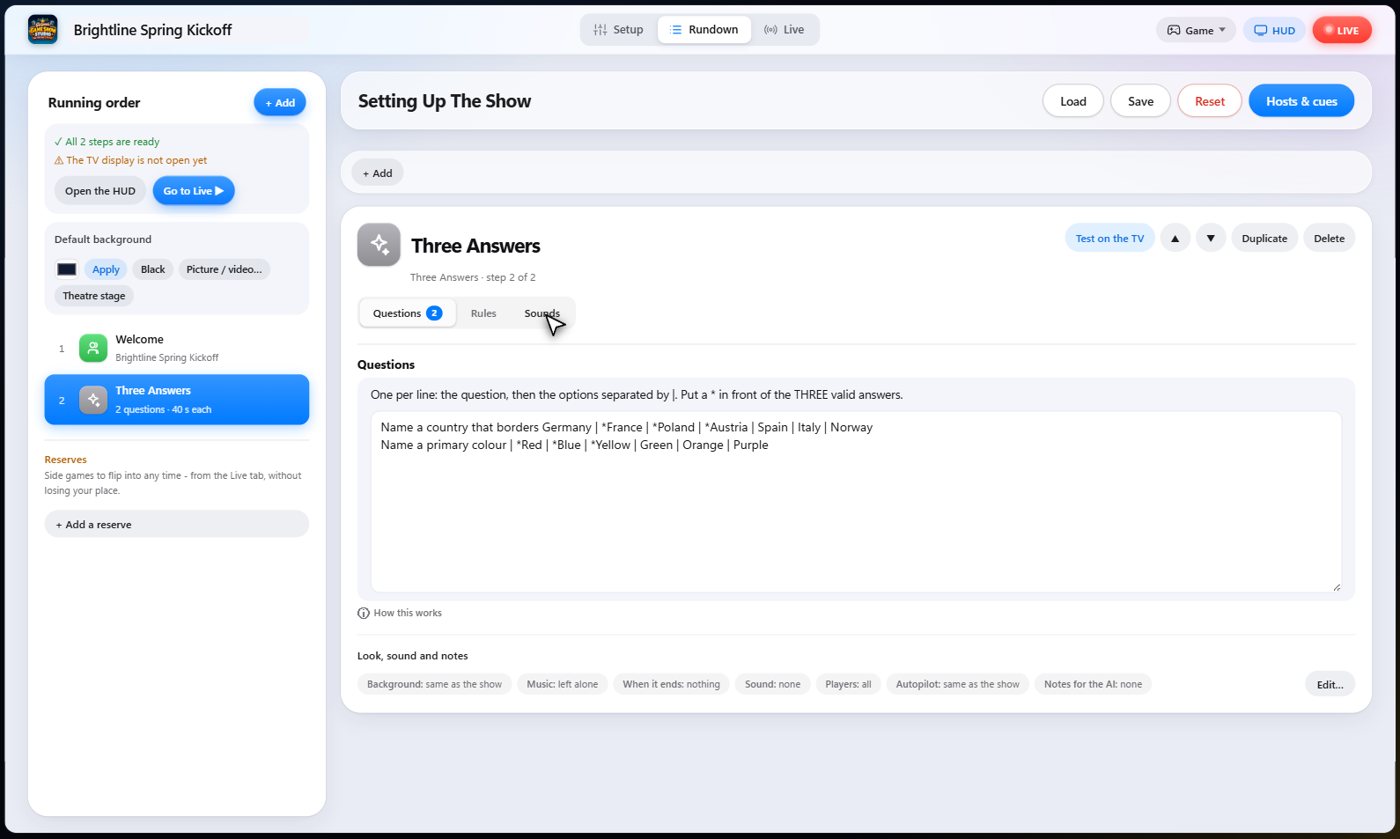
The Sounds tab picks the sound effect for each moment of the game.
The question and the answers
The question goes up on the TV with all the answers, right and wrong, and the same list appears on every phone. Every guest has a Buzz in button.
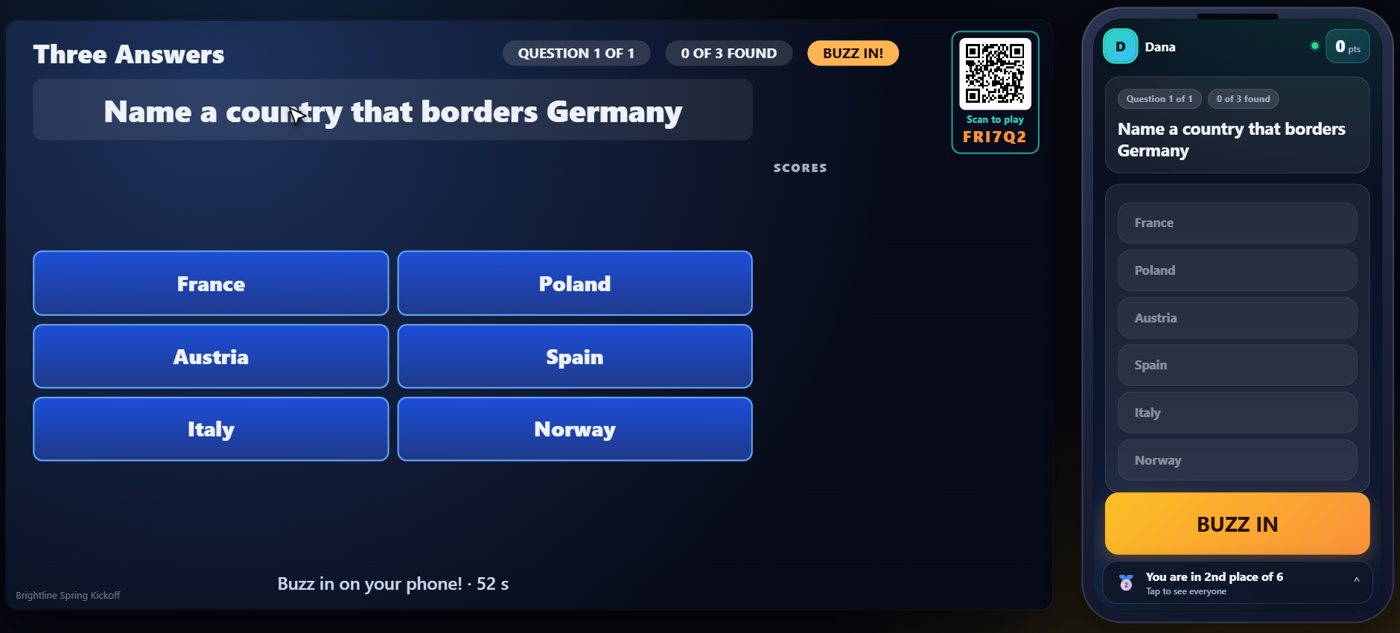
Buzz in, then choose
The fastest guest to buzz in gets first choice, and picks one of the right answers. The next in line chooses from what is left.
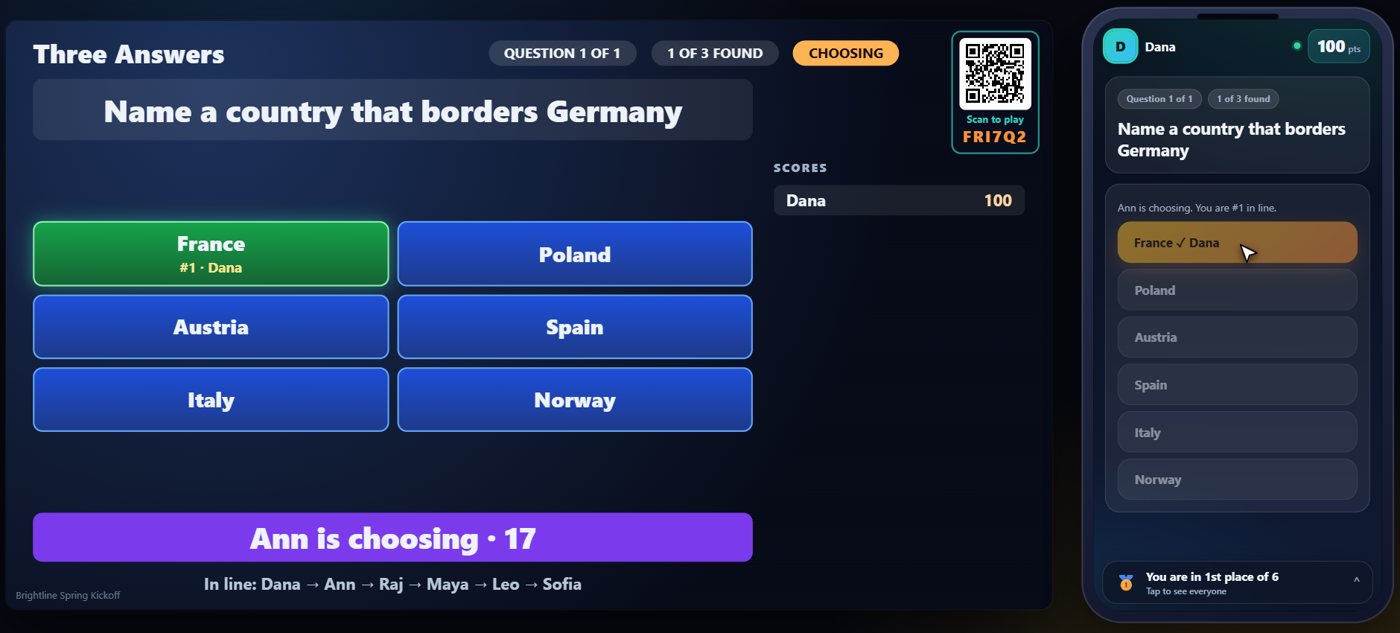
Right answers are claimed
A right pick claims that answer for the guest, and their name goes beside it. A wrong pick knocks the guest out of that question. Each guest gets one answer per question.
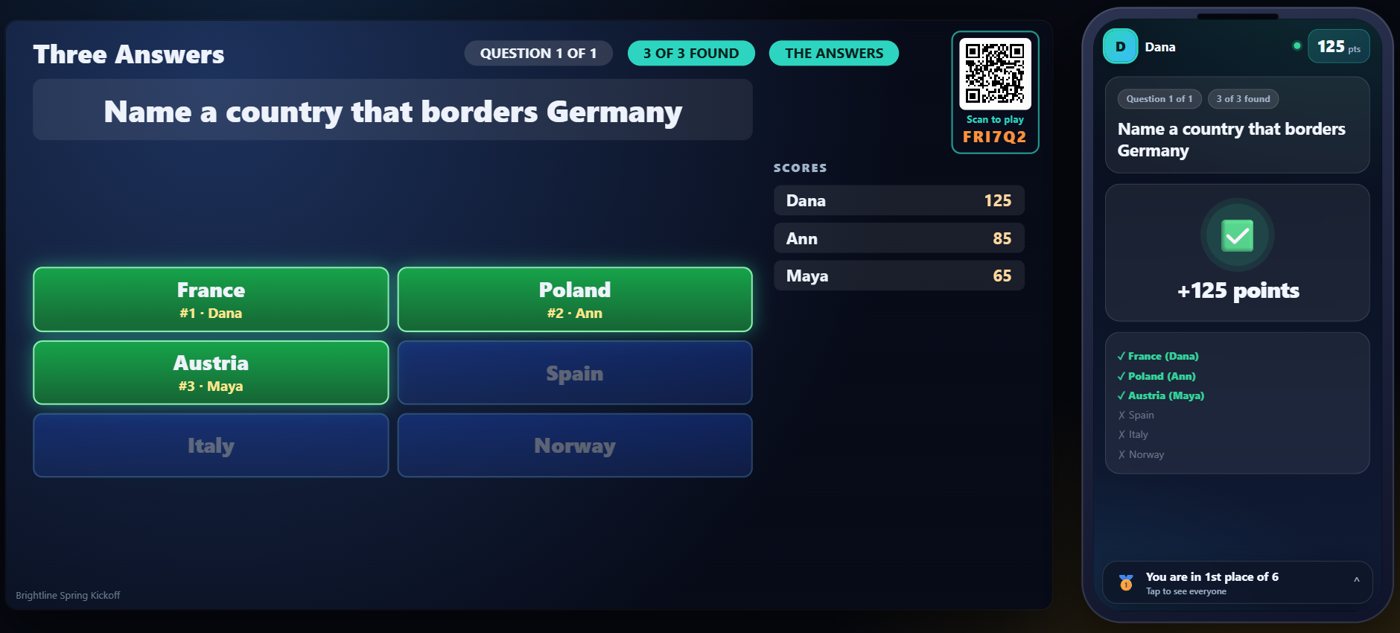
All three found
When all three answers are found, or the time is up, the question ends and the TV shows all three. Finding all three earns the guests a bonus.
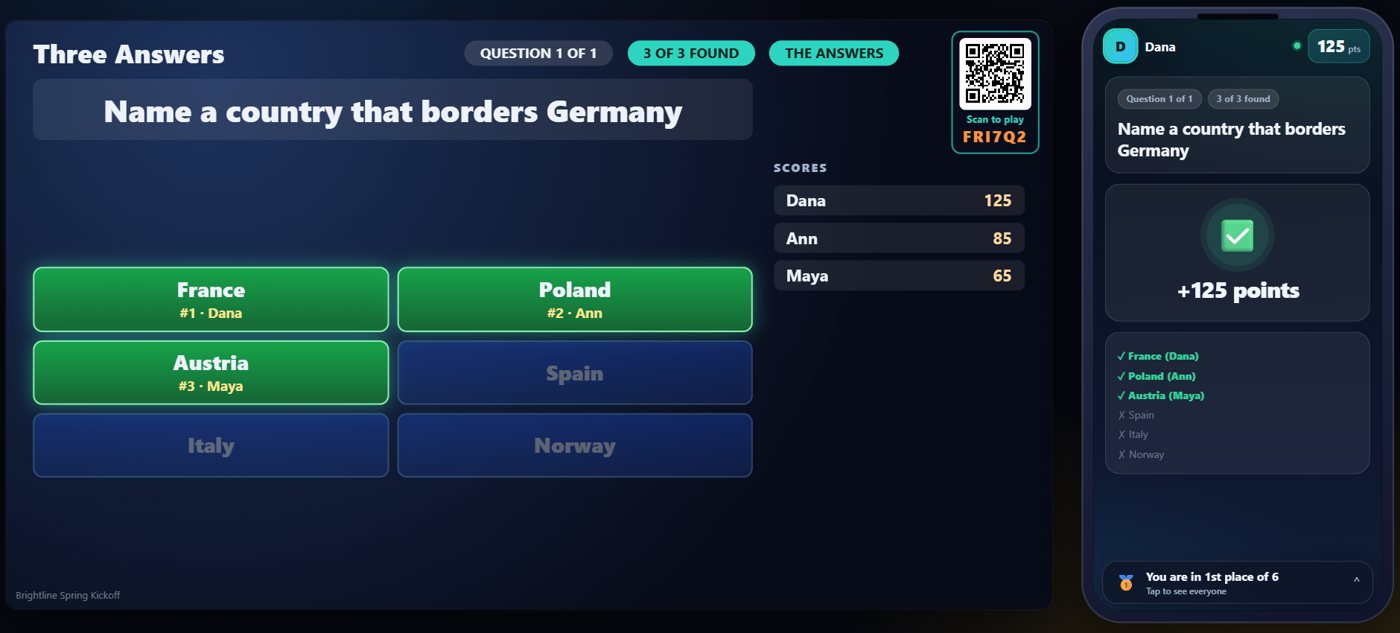
Your controls on the Live tab
On the Live tab, Ask opens the next question and starts the race, End question stops it and shows all three answers, and Skip hands the turn to the next player in line.
Tip The same keys are on the Host Remote, so you can run Three Answers from a phone or tablet.
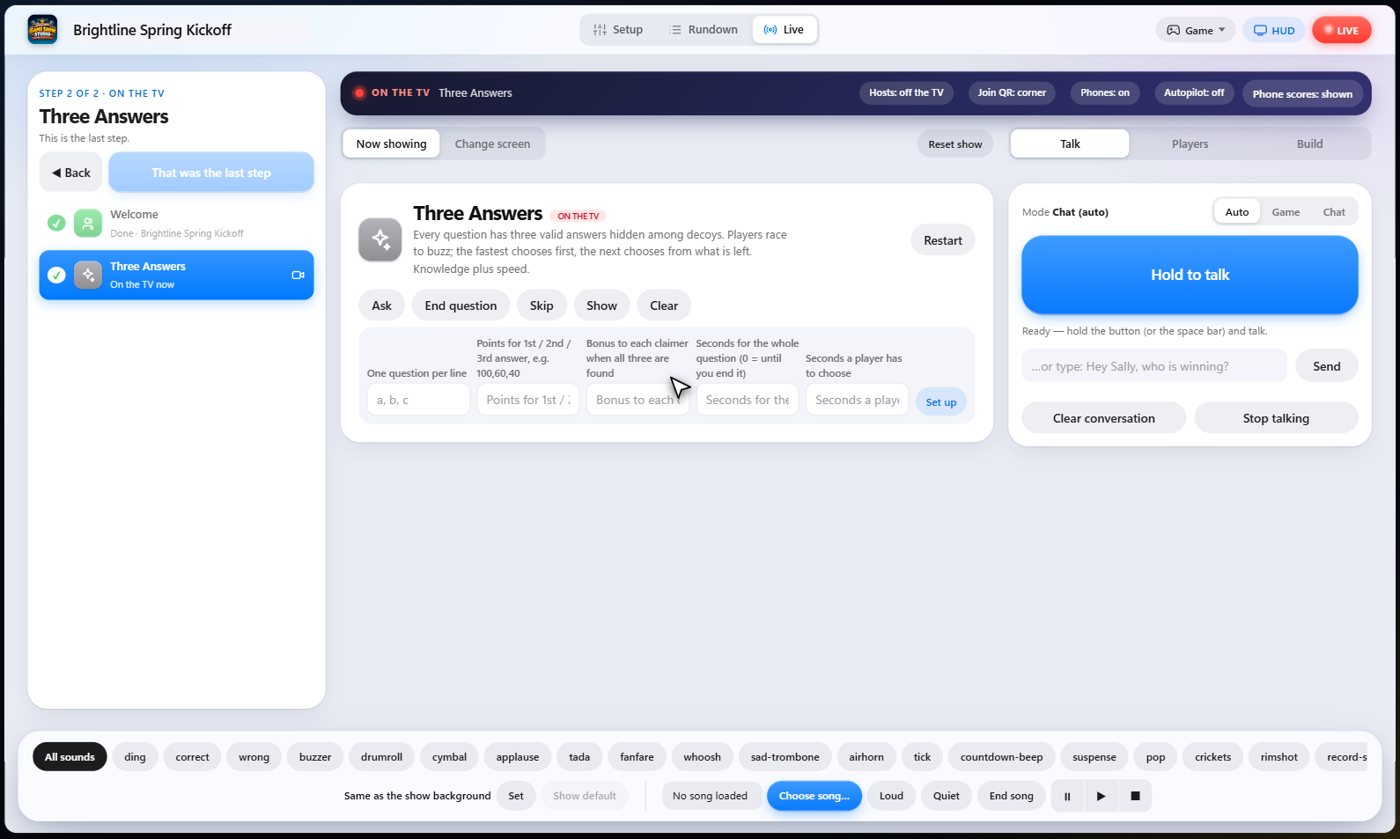
How it ends
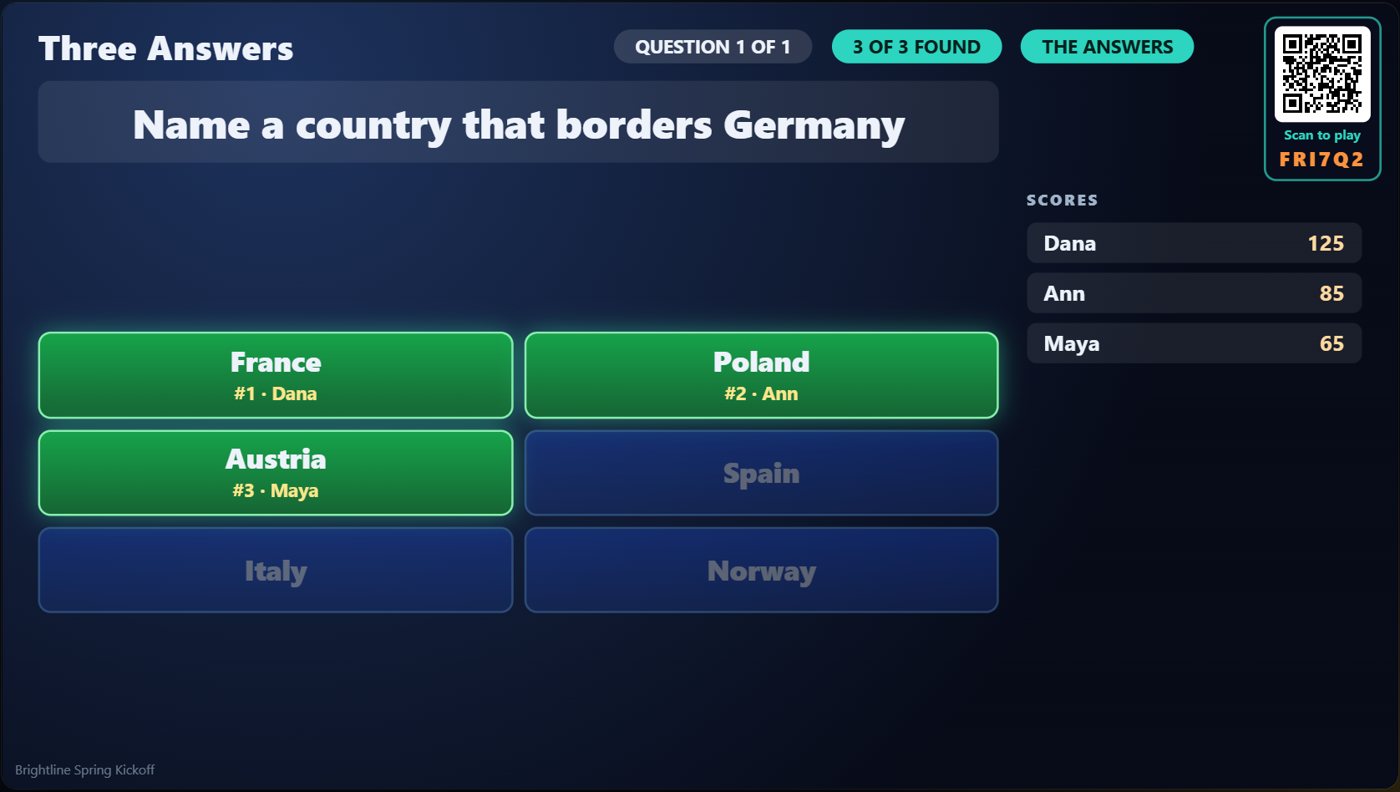
The TV keeps the three answers and who claimed each one on screen.
Keep going

Build your show
The Rundown: add, arrange, check and save steps; reserves; defaults for every step.

The Host Remote
Run your show from a phone or tablet: start it, tap any step to see its keys, put it on the TV, and flip in a side game.

Your AI cohosts
Choose and name them, give them a personality, tell them about the show, set how they behave.
Something missing or unclear? Check the FAQ or browse all guides.