
Watch: Mystery Rules (2:15) · All videos
What it is
In Mystery Rules, guests answer a prompt, and a hidden rule decides the points. The scores are the clue, and guests try to work out the rule.
Add it to your show
It is one step in your Rundown, like any other game. Add it where you want it to play.
- Open the Rundown tab and press Add.
- Choose Mystery Rules from the menu. It joins the end of the list and opens on the right.
Set it up
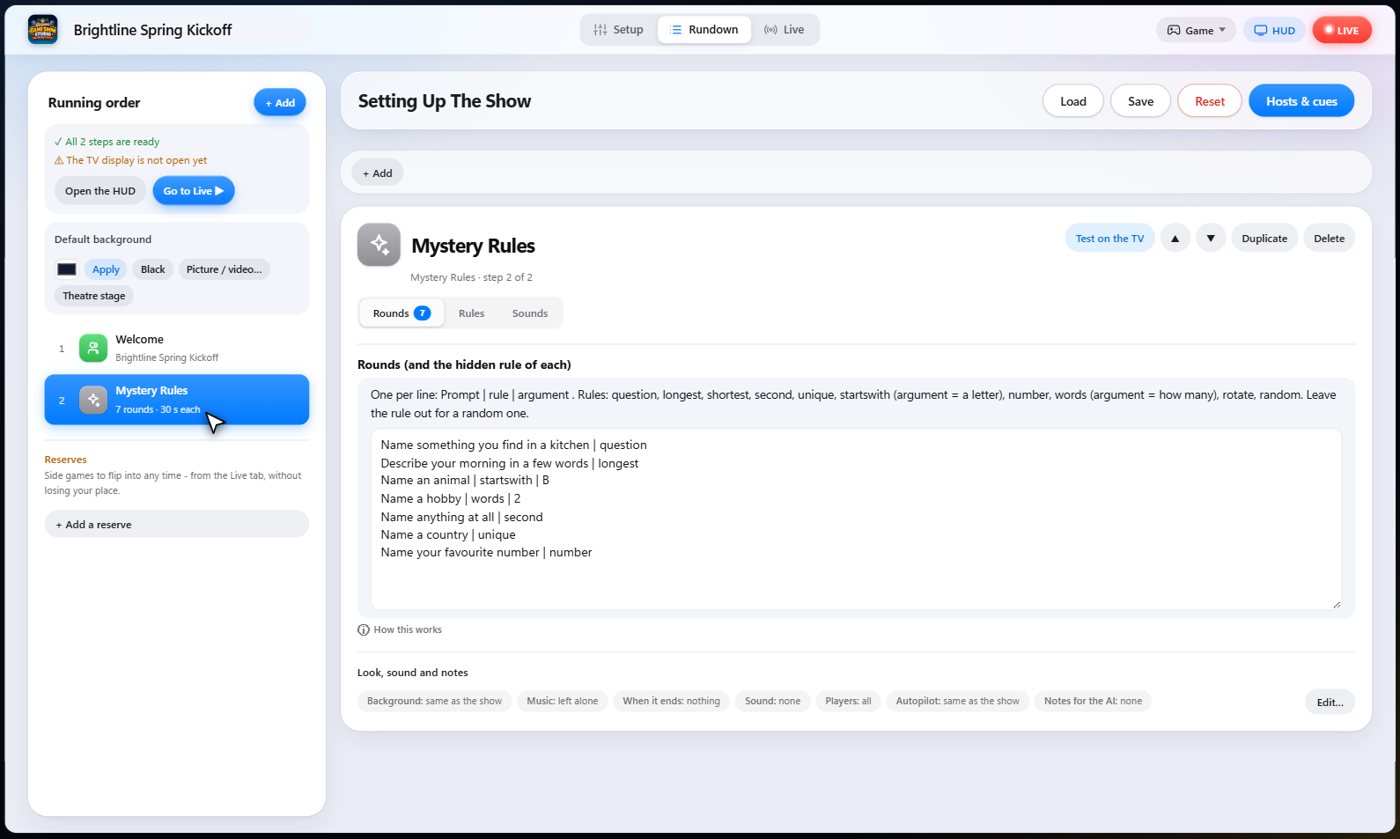
The settings hold your rounds, one per line: the prompt, then the hidden rule, and an extra detail for some rules.
Rules include answers phrased as a question, the longest or shortest answer, the second fastest, the only answer nobody else gave, a secret first letter, a number, or an exact word count. Leave the rule out for a random one. Choose the points and the bonus for a right guess.
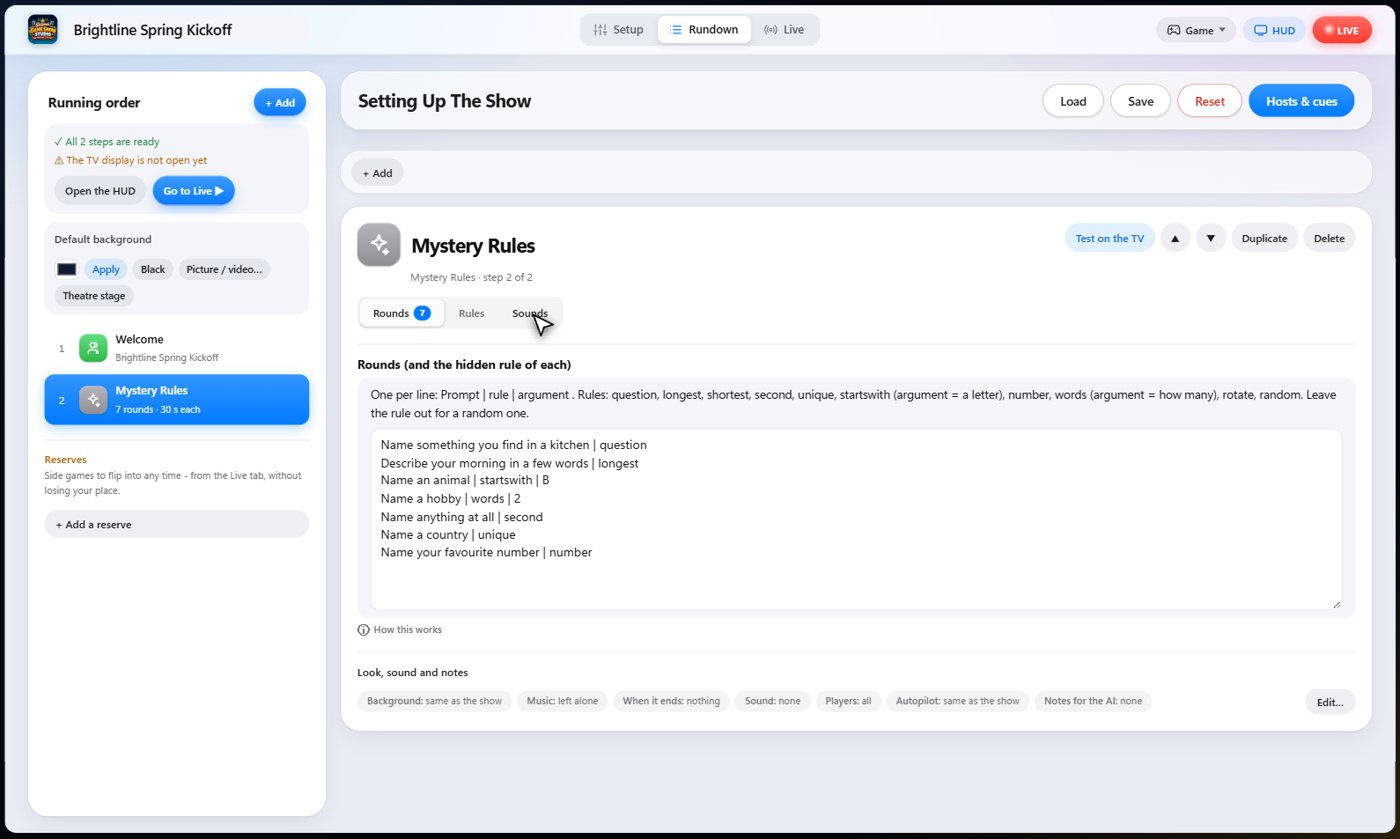
The Sounds tab picks the sound effect for each moment of the game.
Answer the prompt
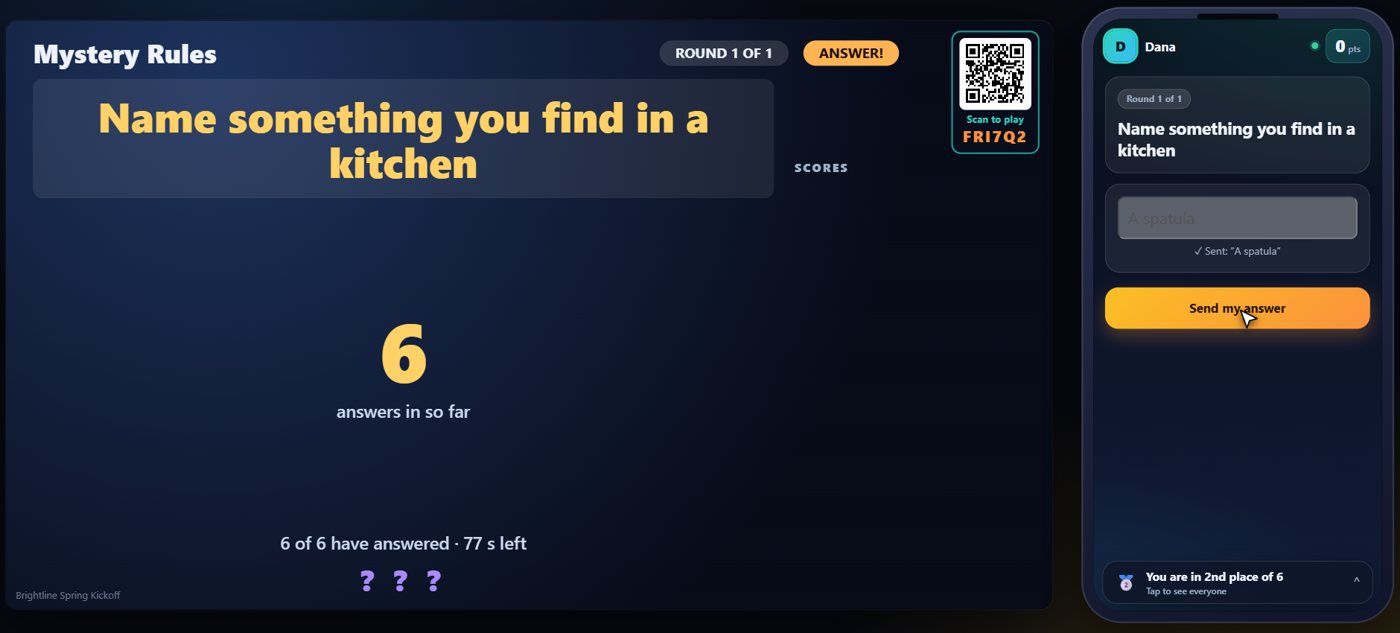
The prompt goes up on the TV and on every phone. Each guest types an answer and sends it. They know there is a hidden rule, but not what it is.
The scores are the clue
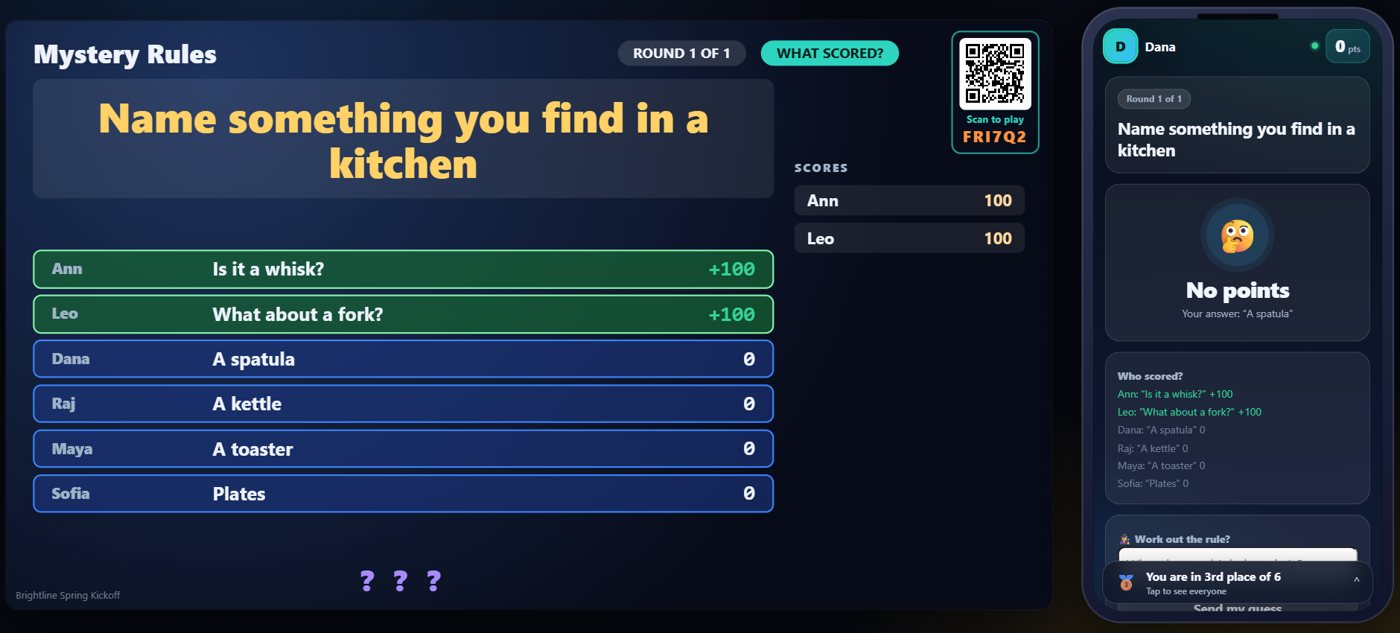
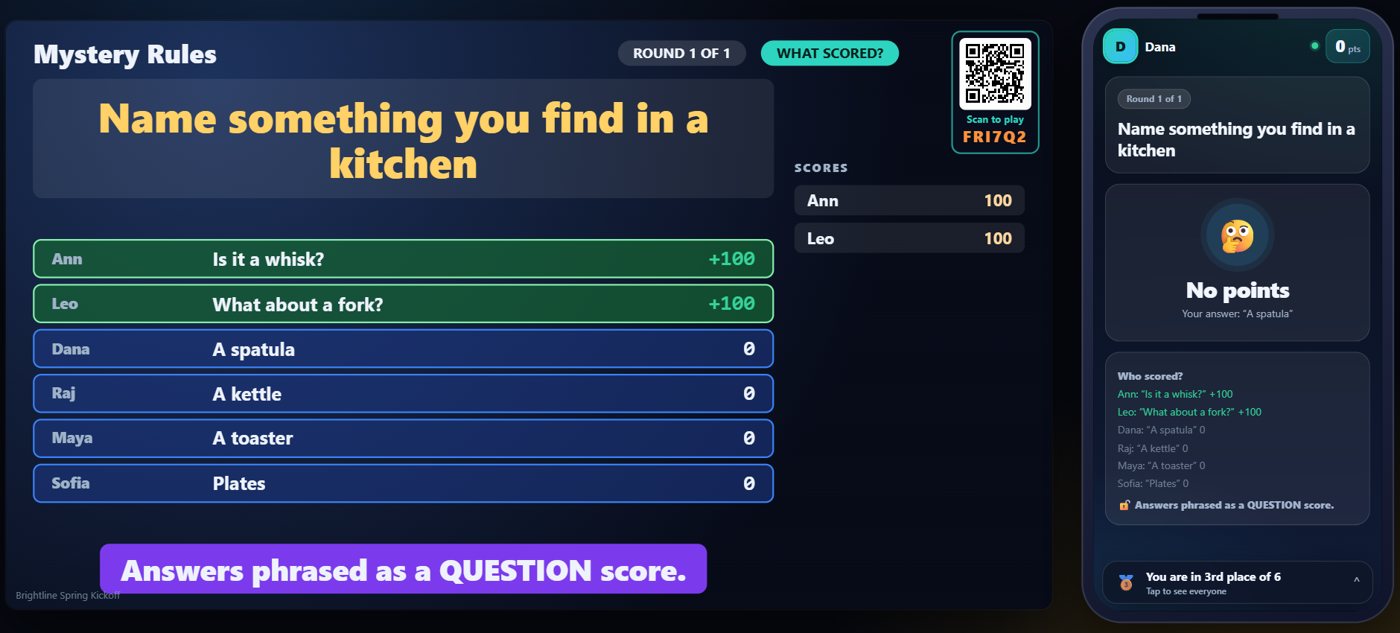
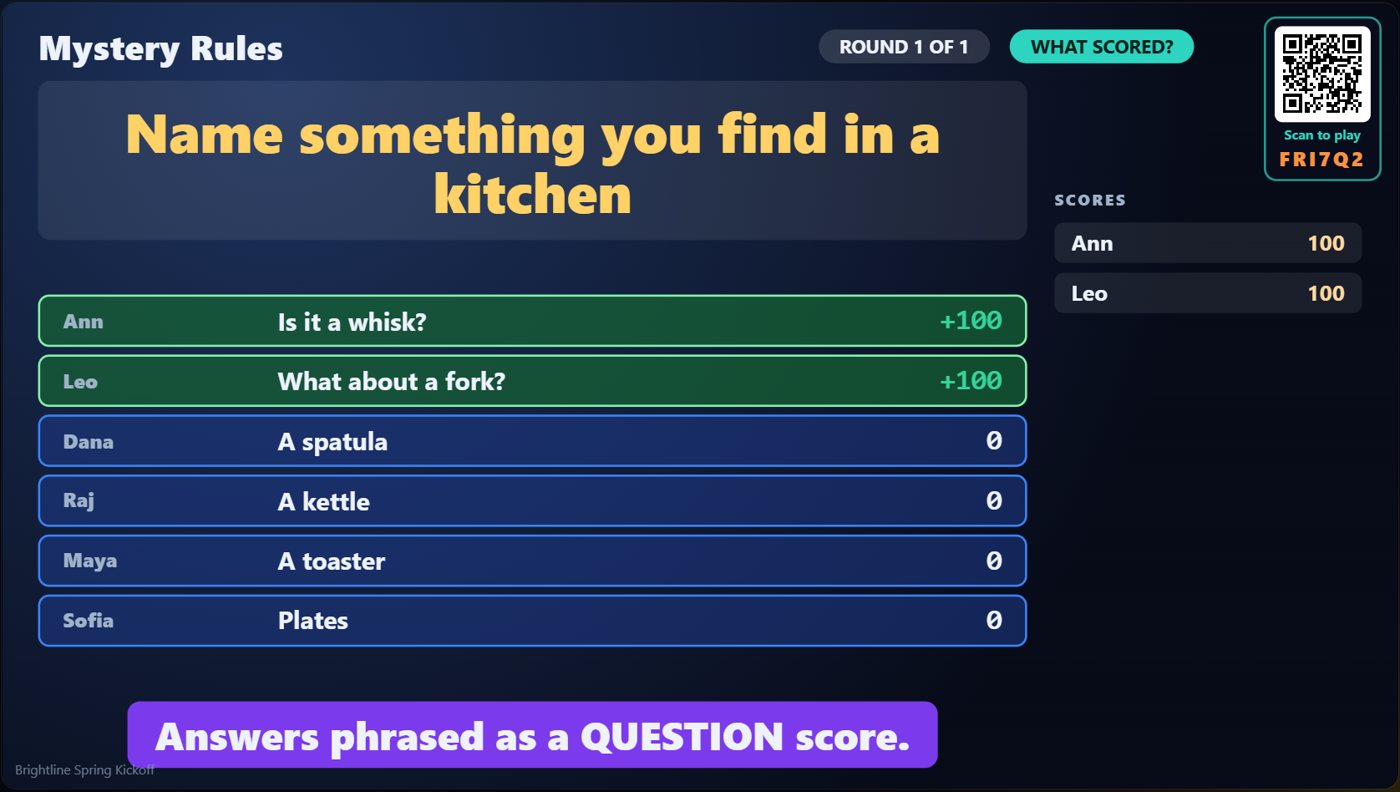
When you score the round, the TV lists every answer with the points it earned. Some guests scored and some did not, and that pattern is the clue to the hidden rule.
Hints and the rule
You can give a hint, and the TV shows it. Guests type a guess at the rule on their phone. When you are ready, reveal the rule, and the TV shows what it was.
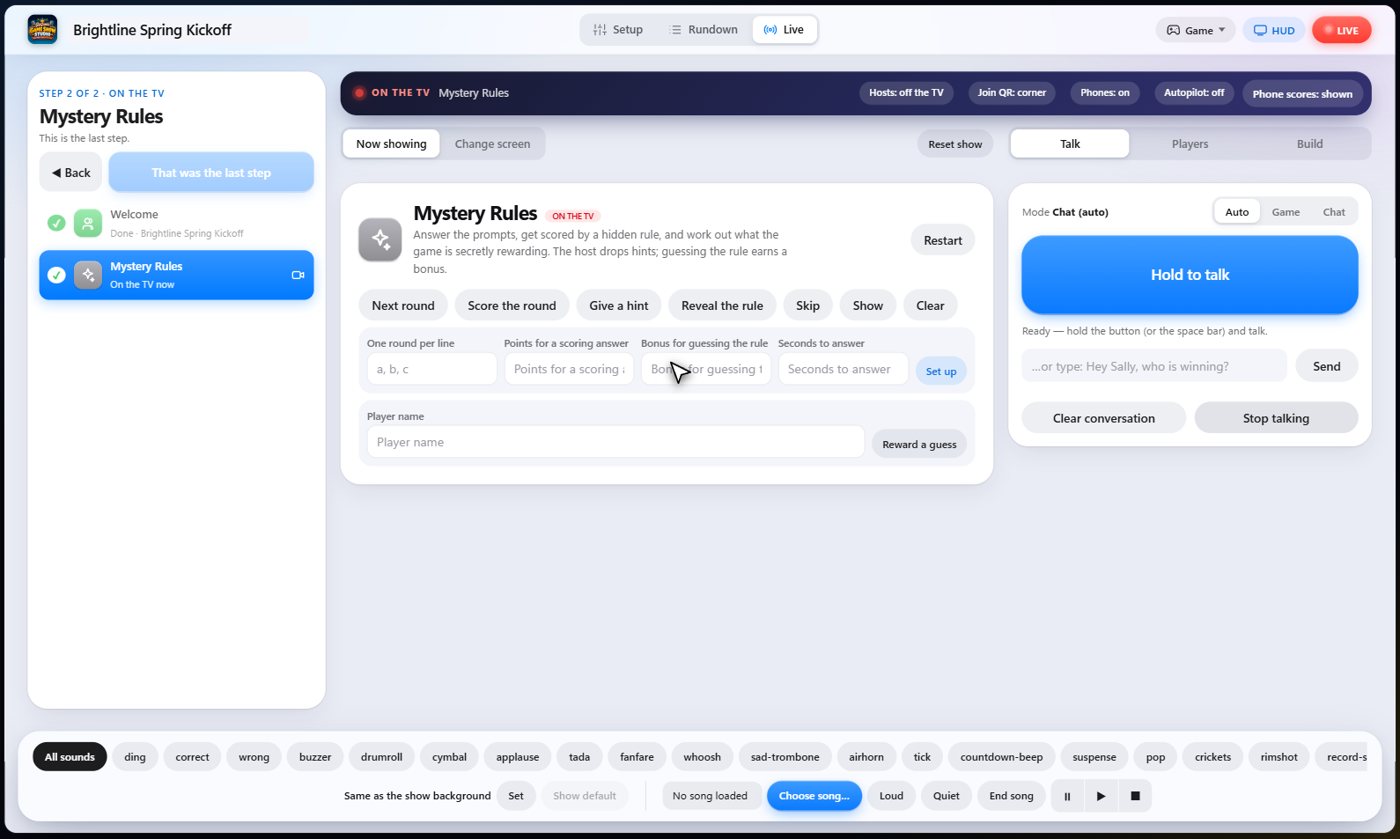
Your controls on the Live tab
On the Live tab, Next round shows the next prompt, Score the round applies the hidden rule, Give a hint shows the next hint, Reveal the rule shows it, Reward a guess gives a guest the bonus, and Skip drops a round.
Tip The same keys are on the Host Remote, so you can run Mystery Rules from a phone or tablet.
How it ends
The TV keeps the answers, their points and the rule on screen.
Keep going

Build your show
The Rundown: add, arrange, check and save steps; reserves; defaults for every step.

The Host Remote
Run your show from a phone or tablet: start it, tap any step to see its keys, put it on the TV, and flip in a side game.

Your AI cohosts
Choose and name them, give them a personality, tell them about the show, set how they behave.
Something missing or unclear? Check the FAQ or browse all guides.