
Watch: Close Enough (2:15) · All videos
What it is
In Close Enough, guests take turns revealing hidden items to add up to a target amount without going over. Closest to the target wins the round.
Add it to your show
It is one step in your Rundown, like any other game. Add it where you want it to play.
- Open the Rundown tab and press Add.
- Choose Close Enough from the menu. It joins the end of the list and opens on the right.
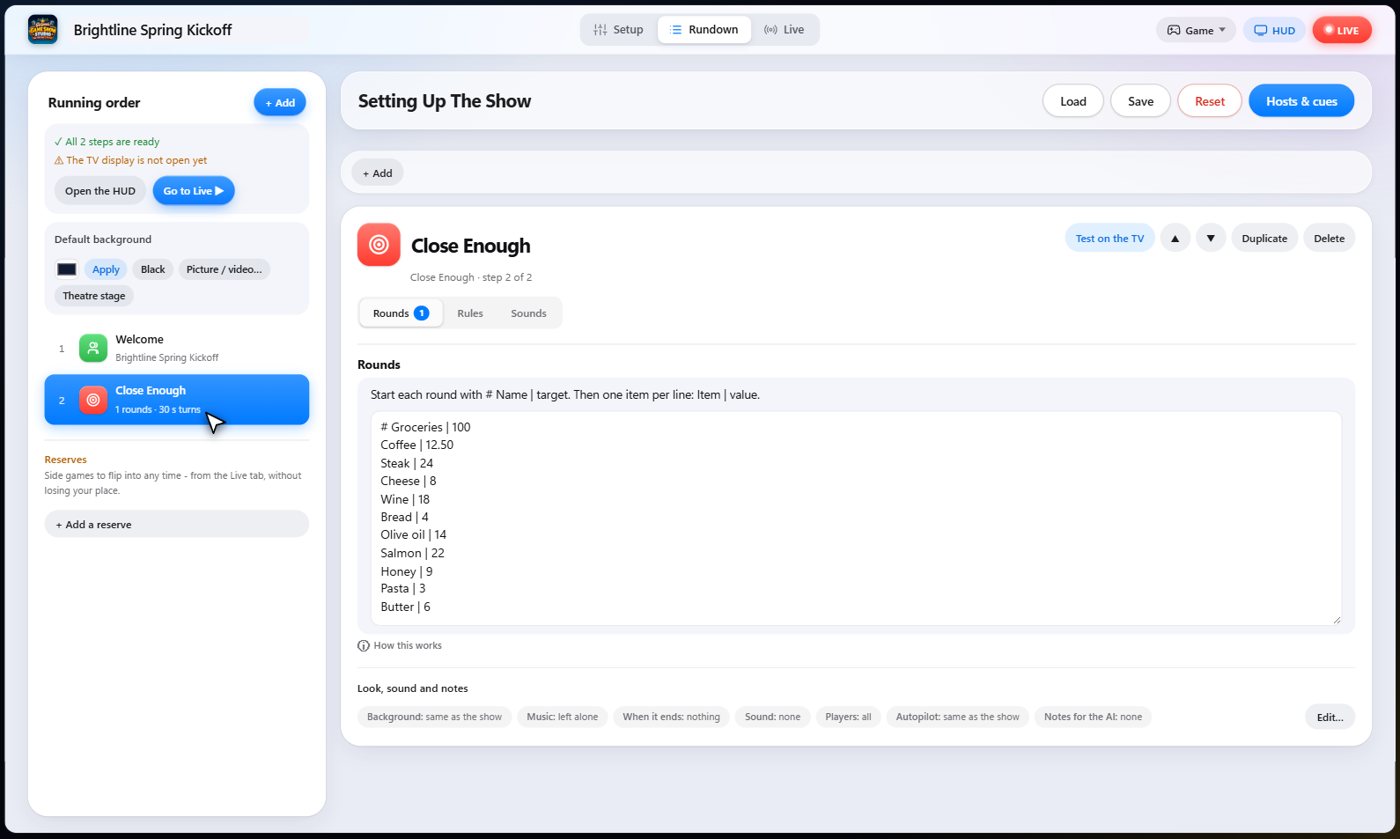
Set it up
The settings hold your rounds. Write the round's name and target after a hash mark, then one item per line with its value after a bar. Use at least five items.
Choose the points for winning, the bonus for landing exactly on the target, the turn timer, and the label for the values, such as dollars.
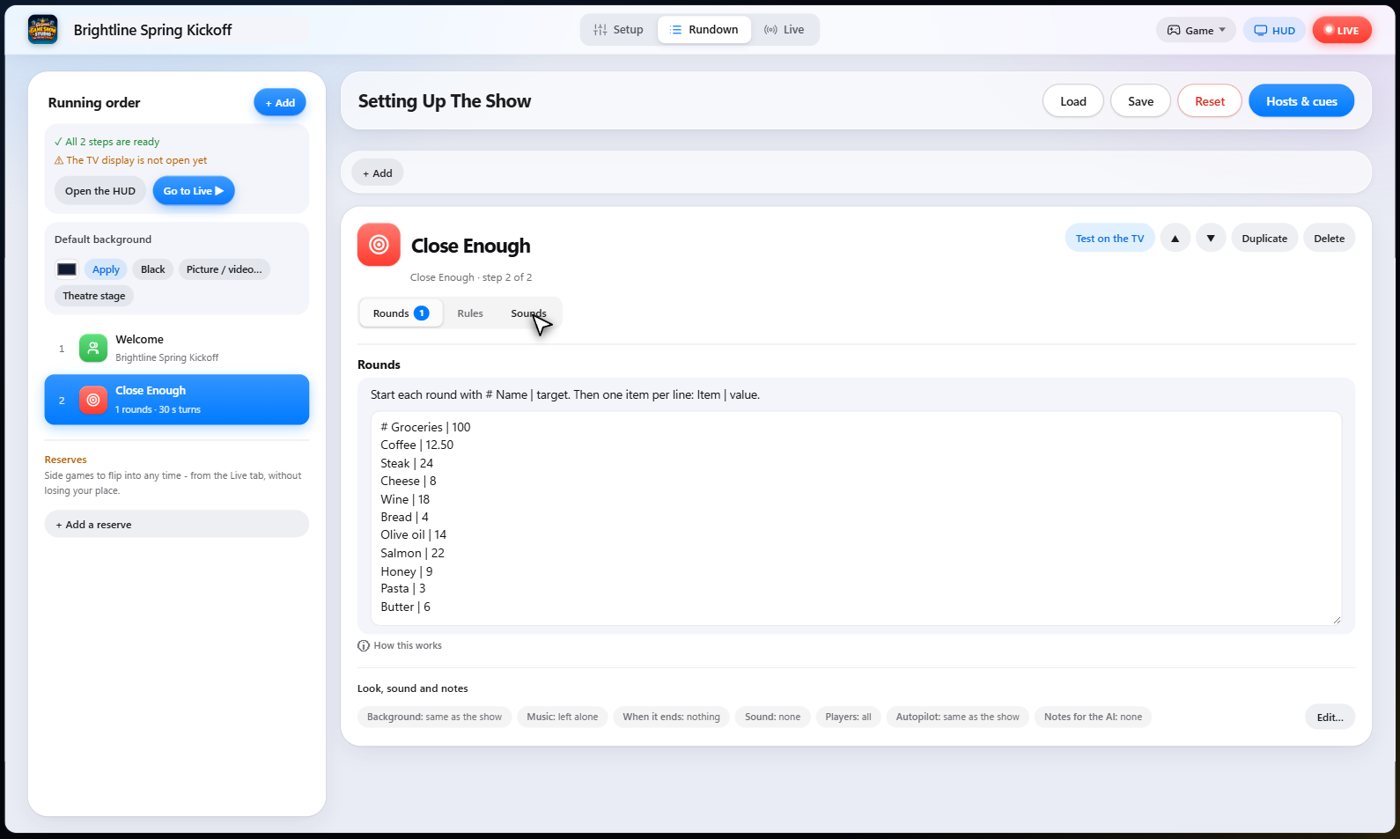
The Sounds tab picks the sound effect for each moment of the game.
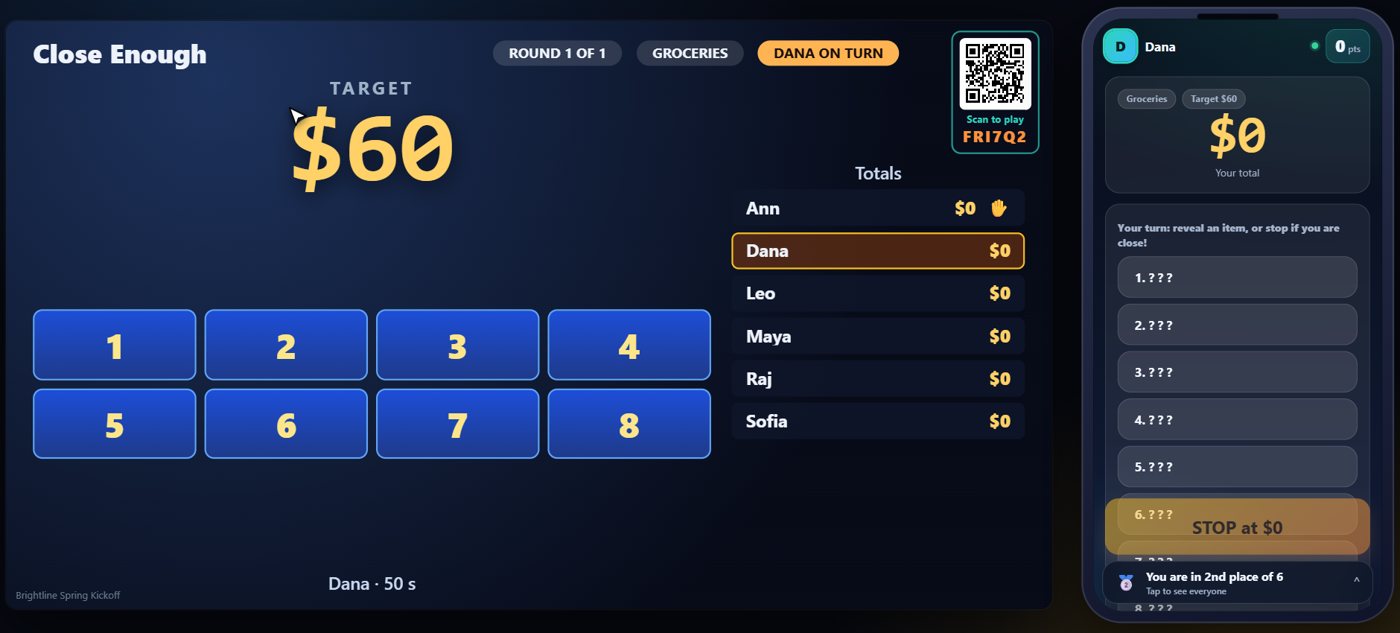
The target and the tiles
The TV shows the target amount and a board of face-down tiles. Each tile hides an item and its value. Guests take turns, and the phone of the guest whose turn it is shows the tiles.
Reveal items
On your turn, tap a tile to reveal it. Its value is added to your running total. Keep going as long as you like, but if you go over the target you bust.
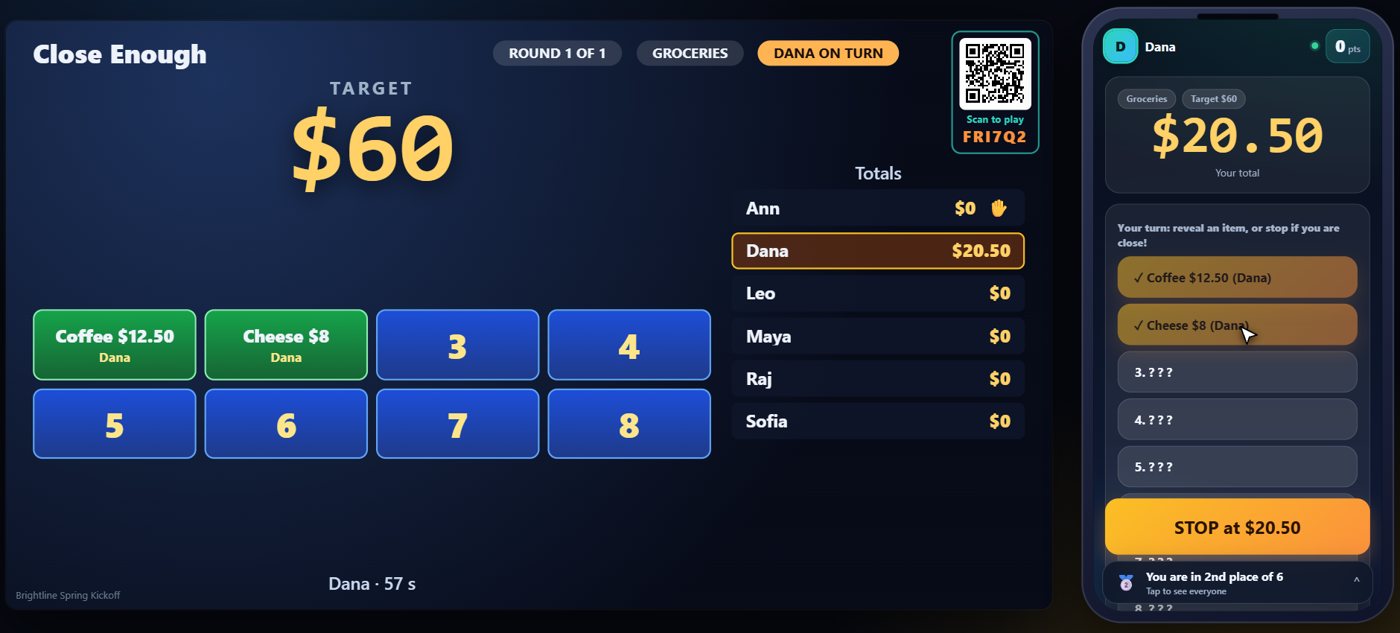
Stop on your total
Tap Stop to keep your total. You must reveal at least one item first. The board is shared, so what you revealed is gone for the next guest.
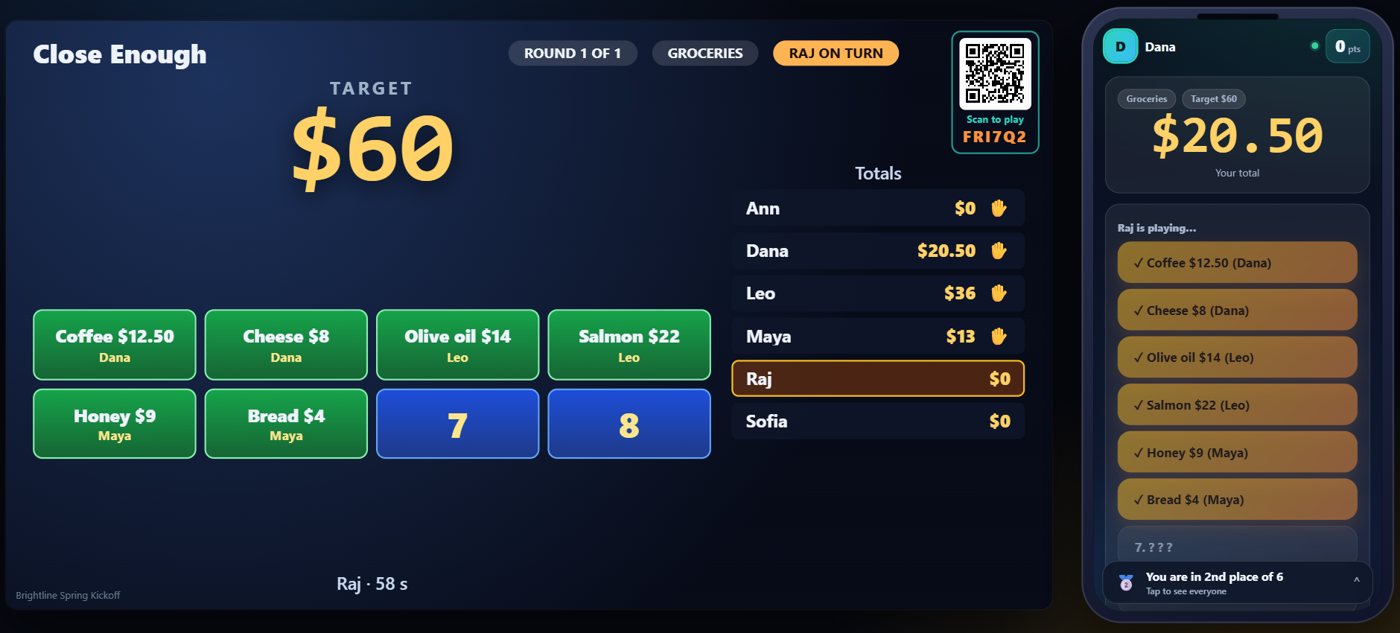
Closest wins
When everyone has had a turn, the closest total at or under the target wins the round. Landing exactly on the target earns a bonus.
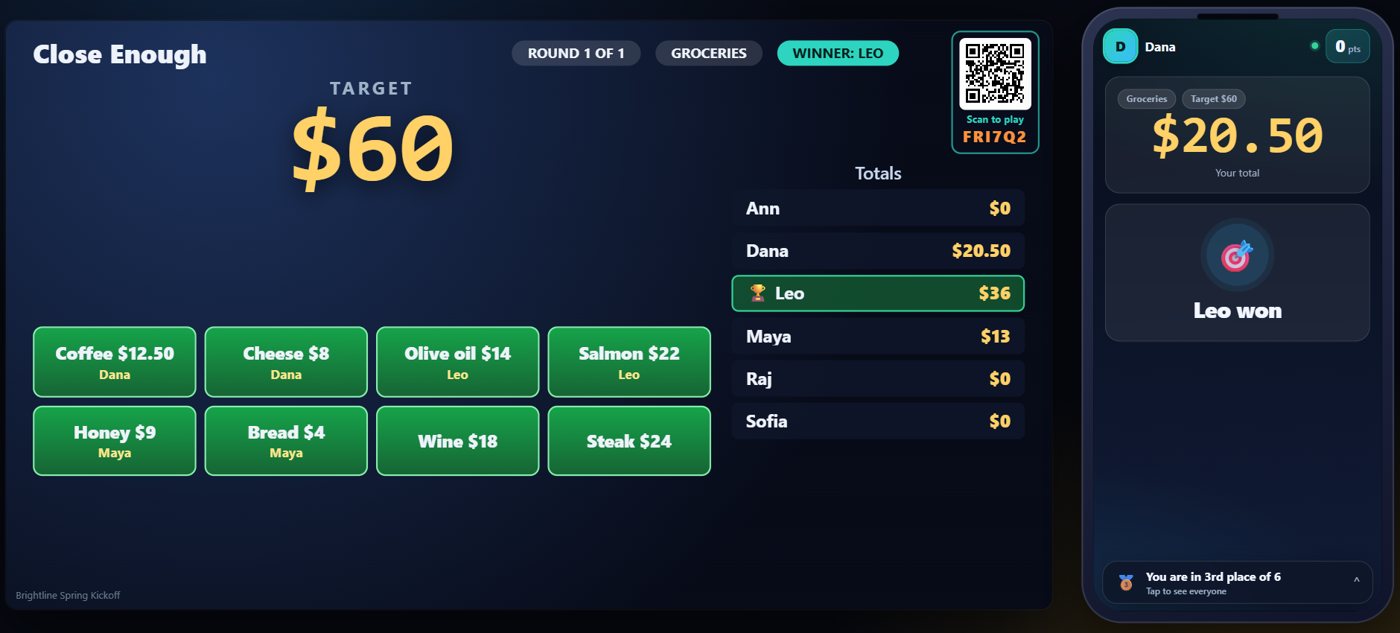
Your controls on the Live tab
On the Live tab, Next round starts a round, Reveal an item and Stop play a turn for the guest who is up, Skip player moves on, and End round finishes it and picks the winner.
Tip The same keys are on the Host Remote, so you can run Close Enough from a phone or tablet.
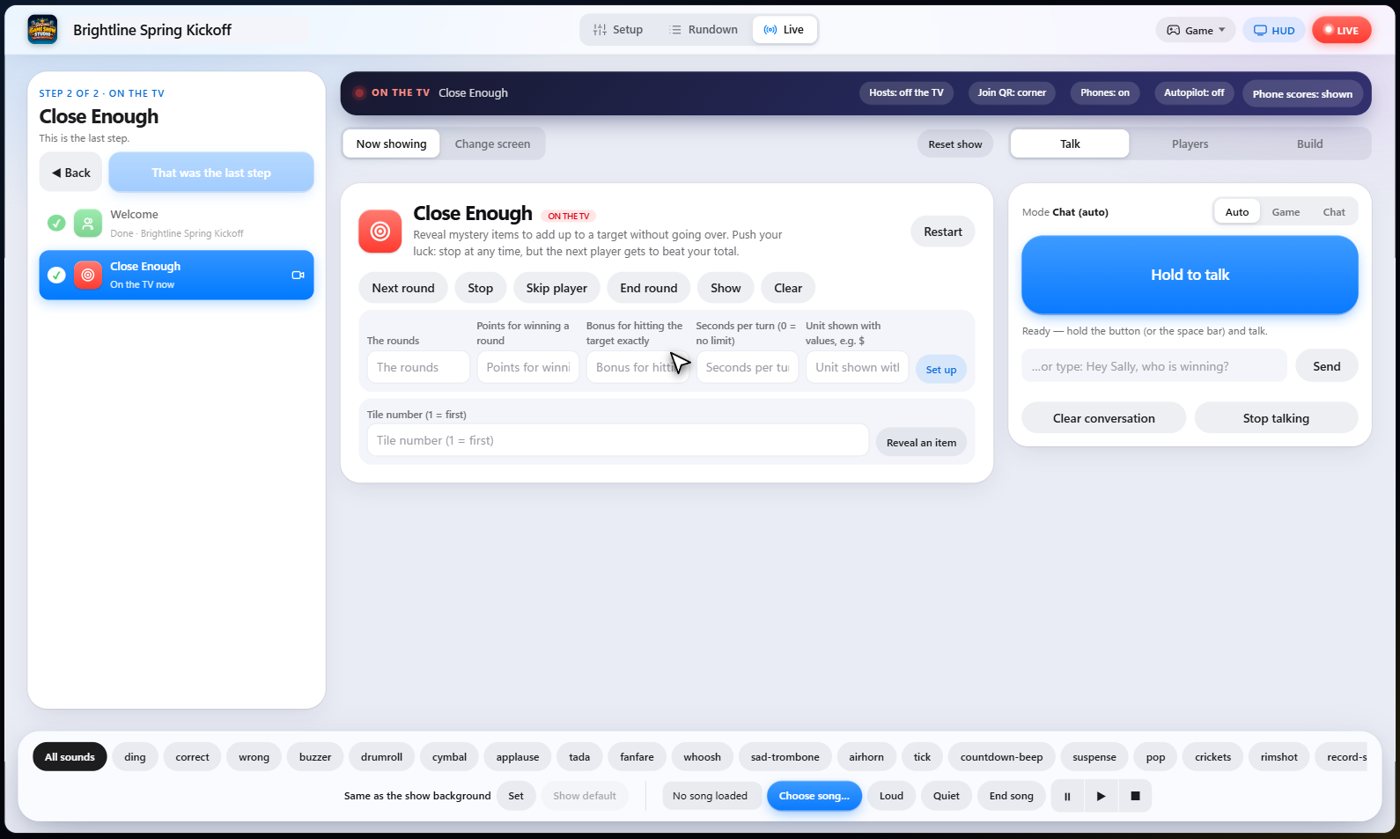
How it ends
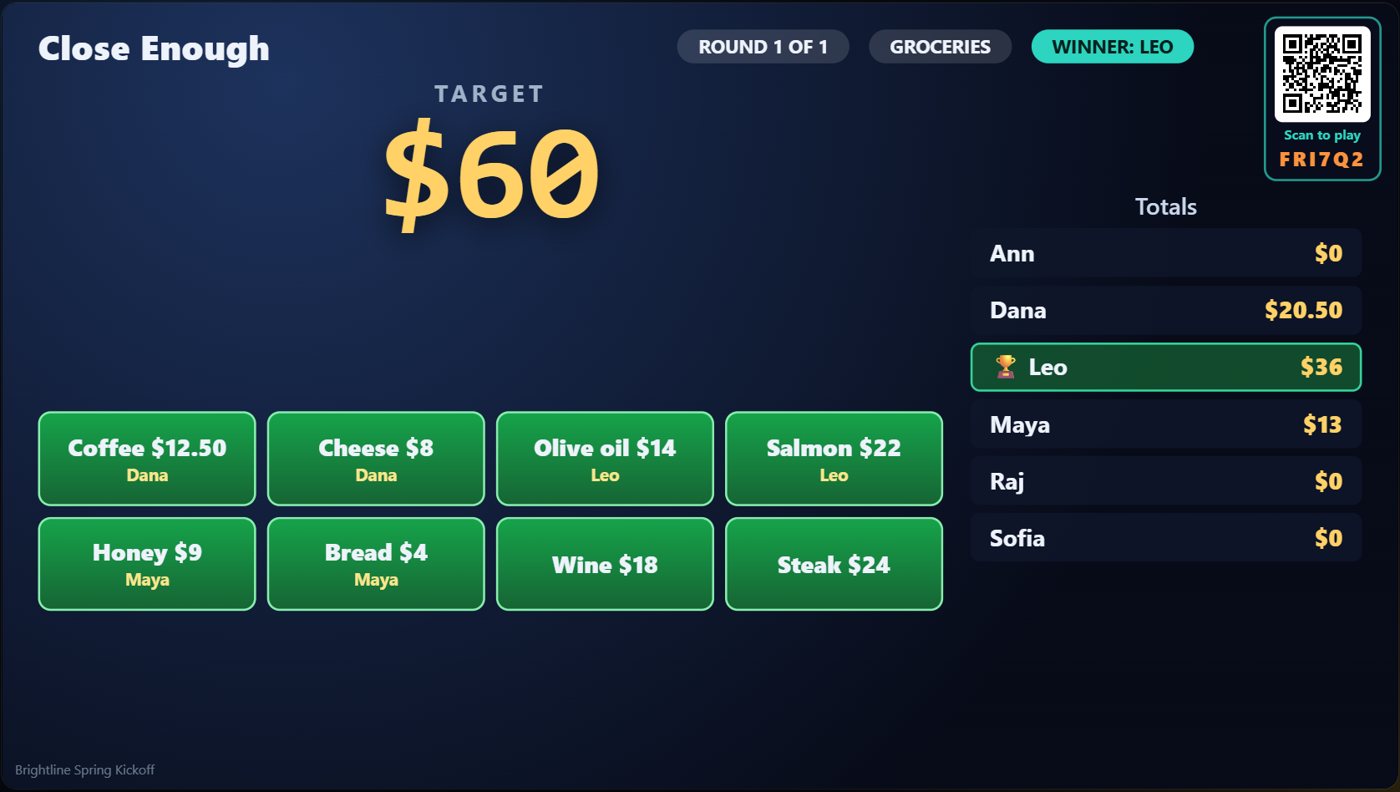
The TV shows every guest's total against the target, and the winner.
Keep going

Build your show
The Rundown: add, arrange, check and save steps; reserves; defaults for every step.

The Host Remote
Run your show from a phone or tablet: start it, tap any step to see its keys, put it on the TV, and flip in a side game.

Your AI cohosts
Choose and name them, give them a personality, tell them about the show, set how they behave.
Something missing or unclear? Check the FAQ or browse all guides.