
Watch: Mystery Basket (2:26) · All videos
What it is
In Mystery Basket, guests get a creative brief and a basket of surprise elements, and must use every element. The entries go up anonymously and the room votes.
Add it to your show
It is one step in your Rundown, like any other game. Add it where you want it to play.
- Open the Rundown tab and press Add.
- Choose Mystery Basket from the menu. It joins the end of the list and opens on the right.
Set it up
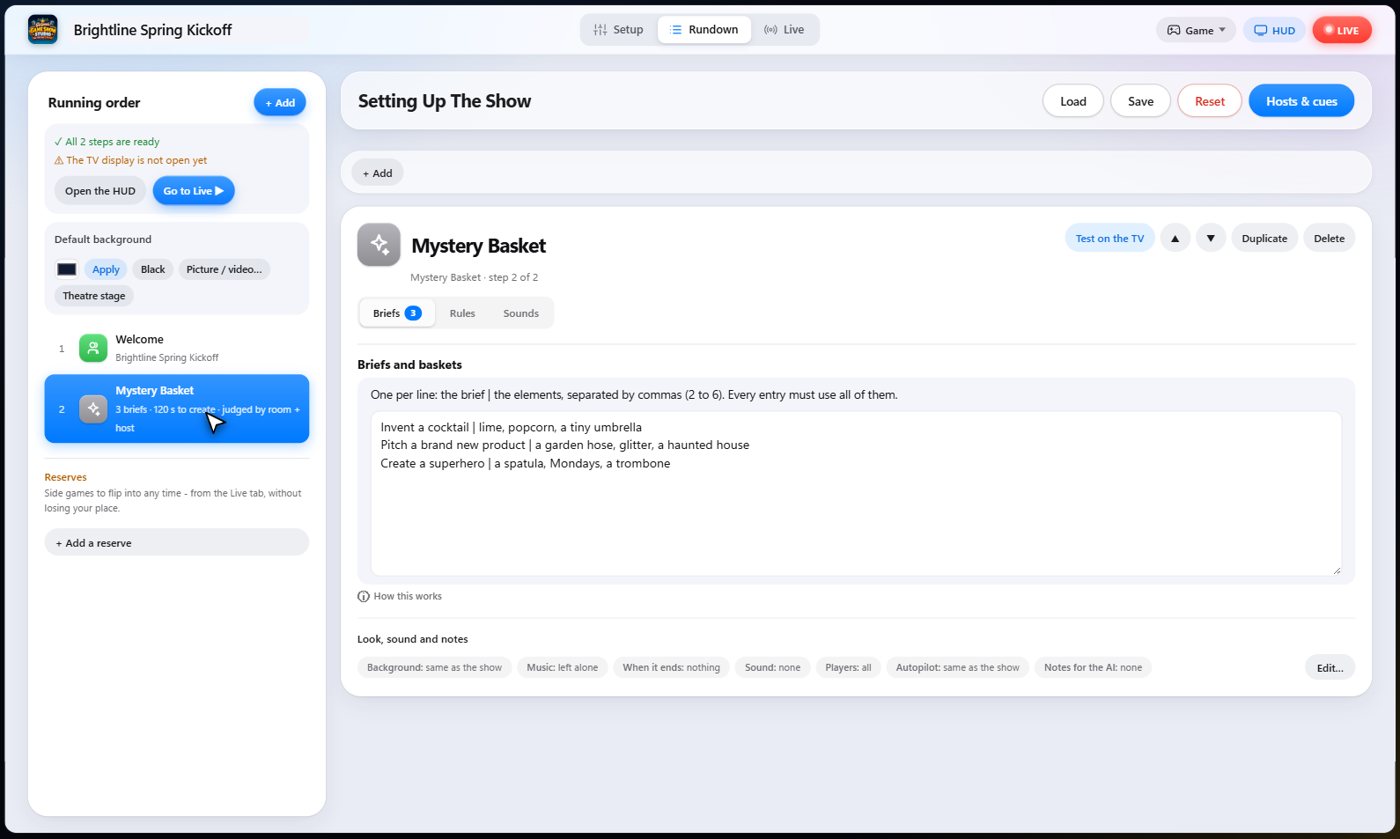
The settings hold your briefs, one per line: the brief, a bar, and the elements every entry must use, separated by commas.
Choose who judges: the audience, you with star ratings, or both. Choose the time to create and to vote, how many entries go out each round, and the points for surviving and for winning.
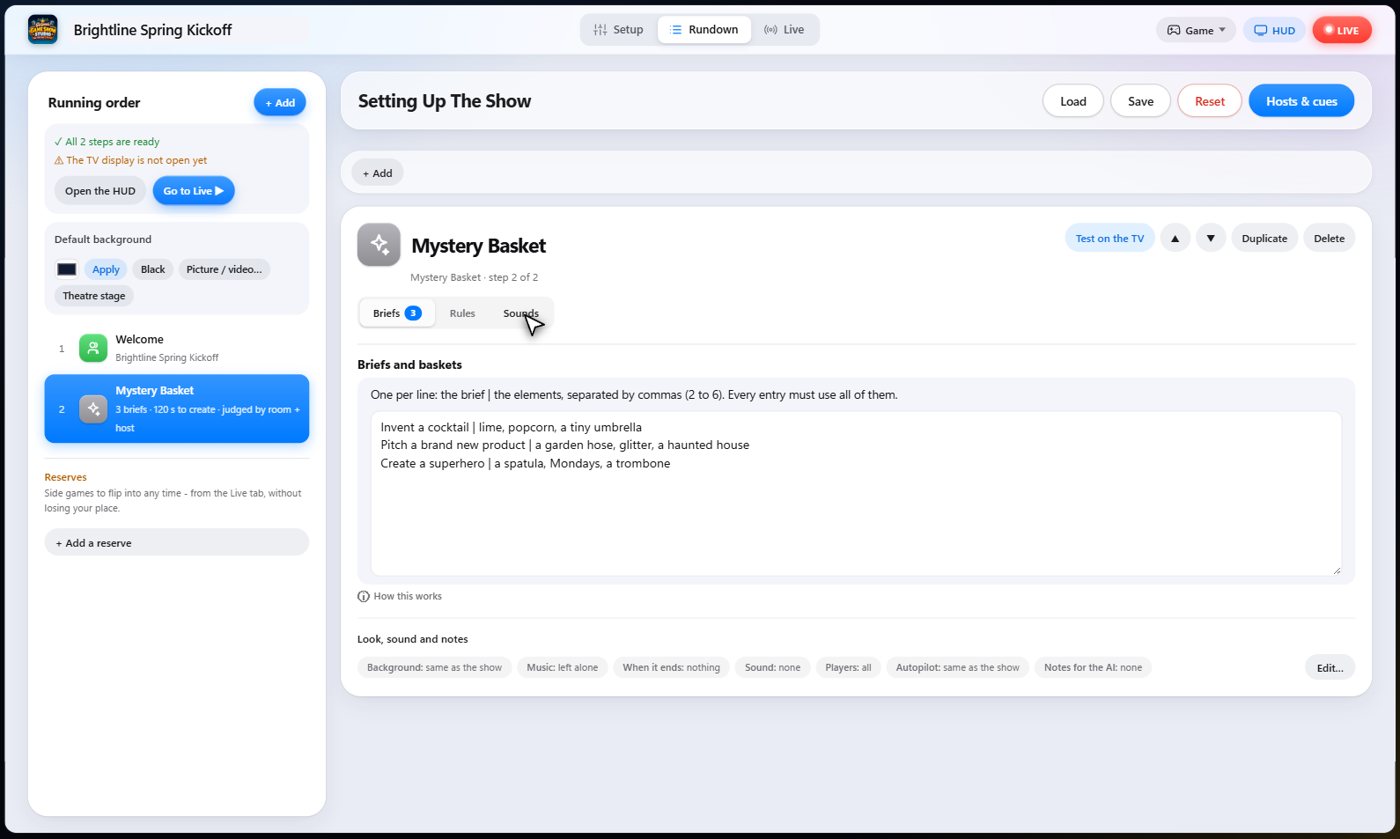
The Sounds tab picks the sound effect for each moment of the game.
The brief and the basket
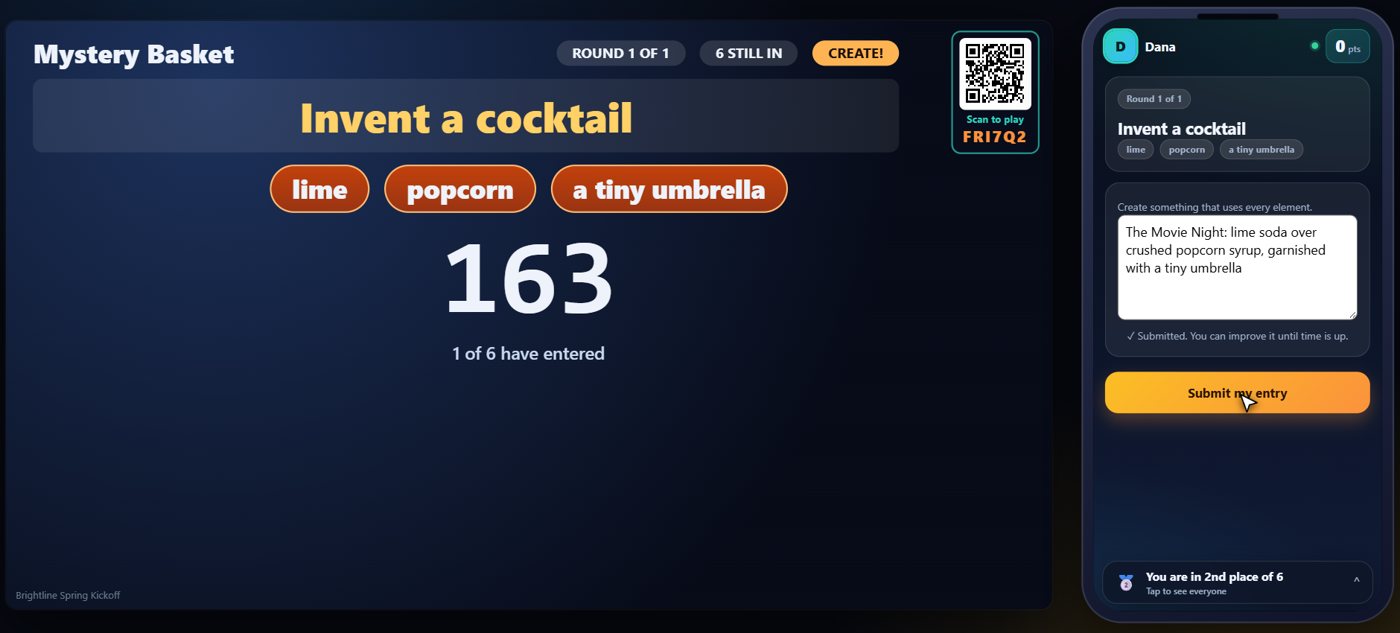
The TV shows the brief and the elements in the basket, with a clock. Every guest, or every team, creates something that uses all of the elements, and types it on their phone. The TV keeps the brief and the elements on screen the whole time, so everyone can check that they used them all.
Everyone submits
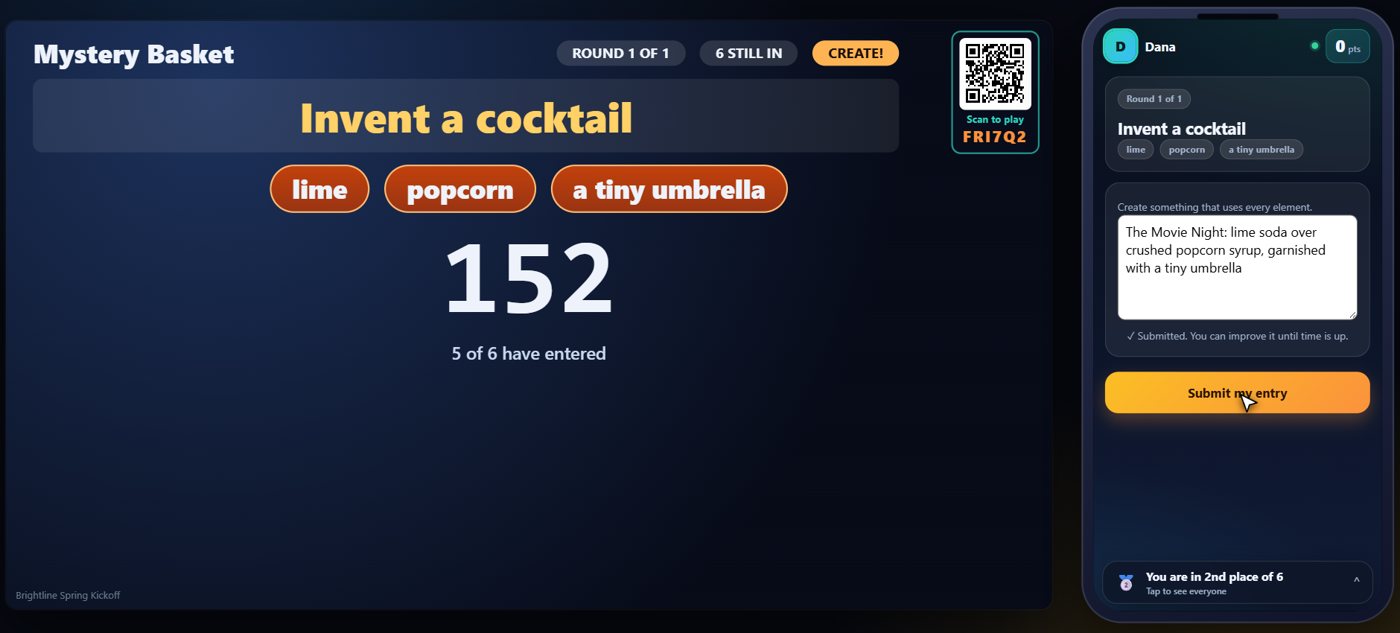
A guest can improve their entry until time is up. If a team plays, the whole team shares one entry, and the last one sent counts.
The room votes
When you close the entries, they go up anonymously as Entry A, Entry B, and so on. Everyone votes for the best one on their phone, and nobody can vote for their own.
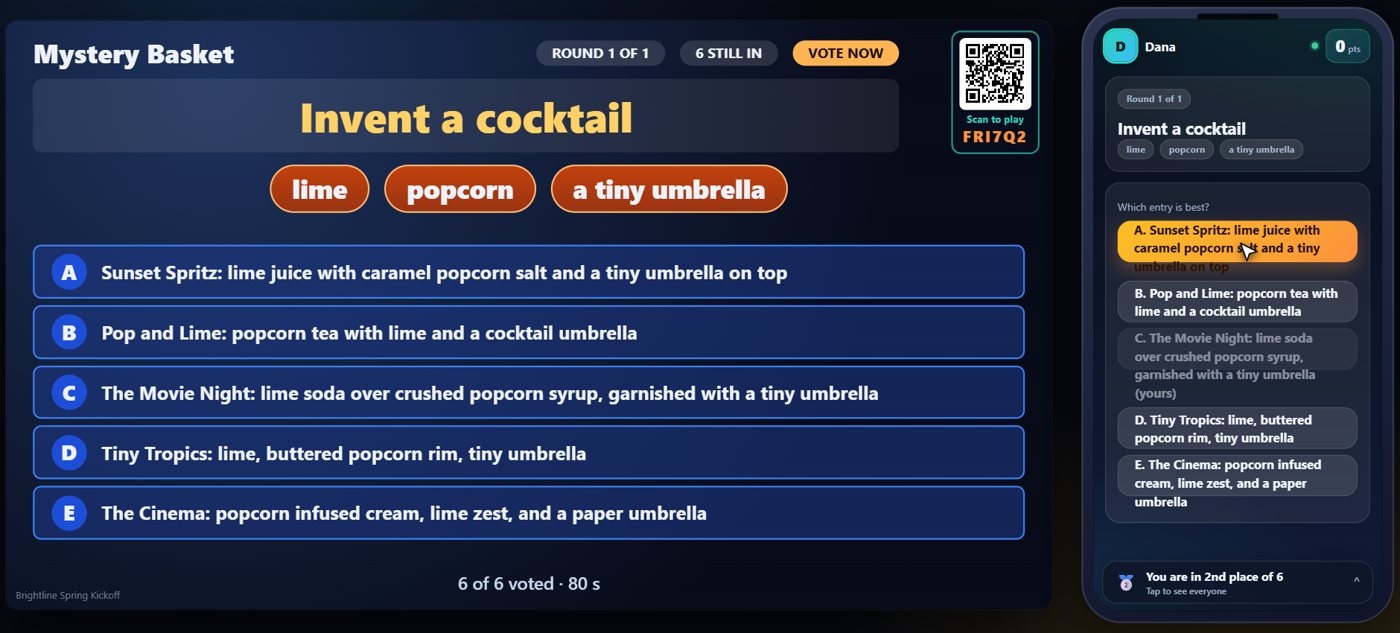
The weakest goes
When you announce the result, the TV names who made each entry, and the weakest is knocked out. Round by round, one entry stays, and that is the champion.
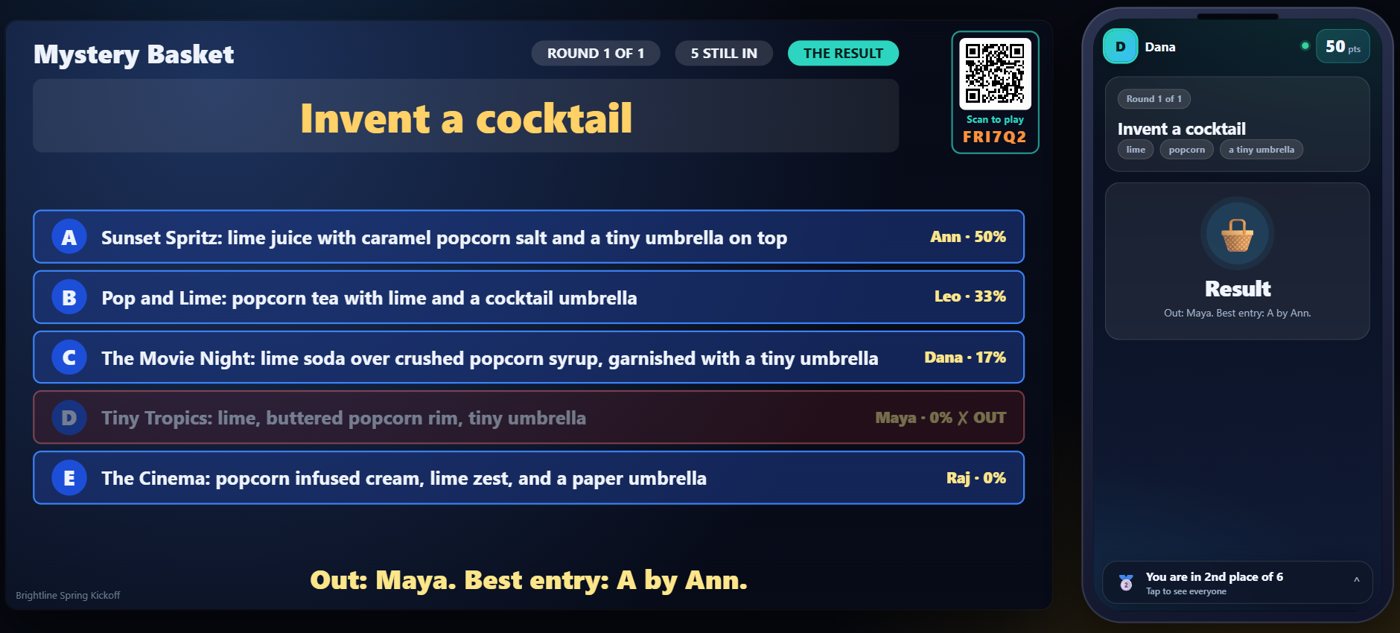
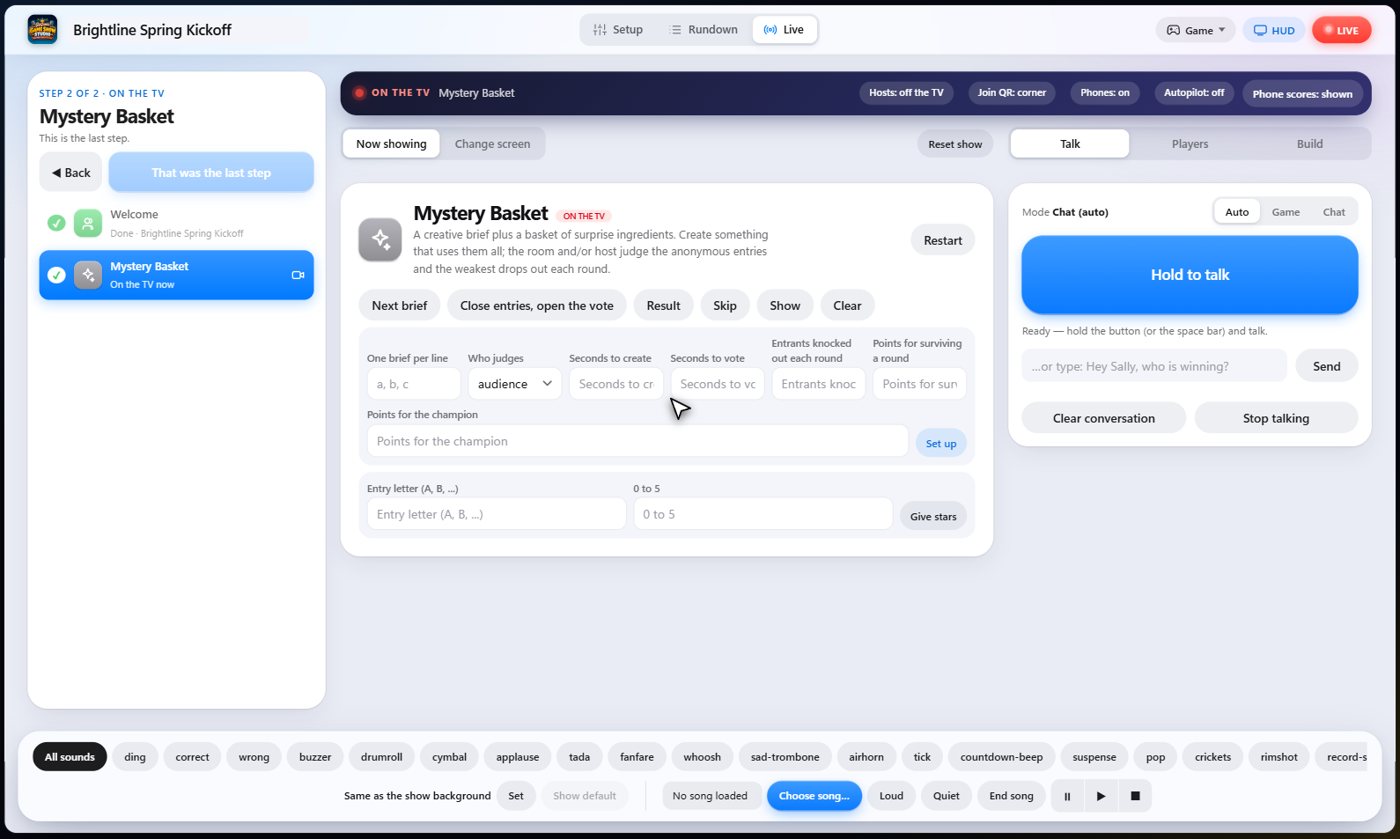
Your controls on the Live tab
On the Live tab, Next brief starts a round, Close entries, open the vote shows the entries, Give stars lets you rate an entry from zero to five, Result closes the vote and knocks out the weakest, and Skip drops a round.
Tip The same keys are on the Host Remote, so you can run Mystery Basket from a phone or tablet.
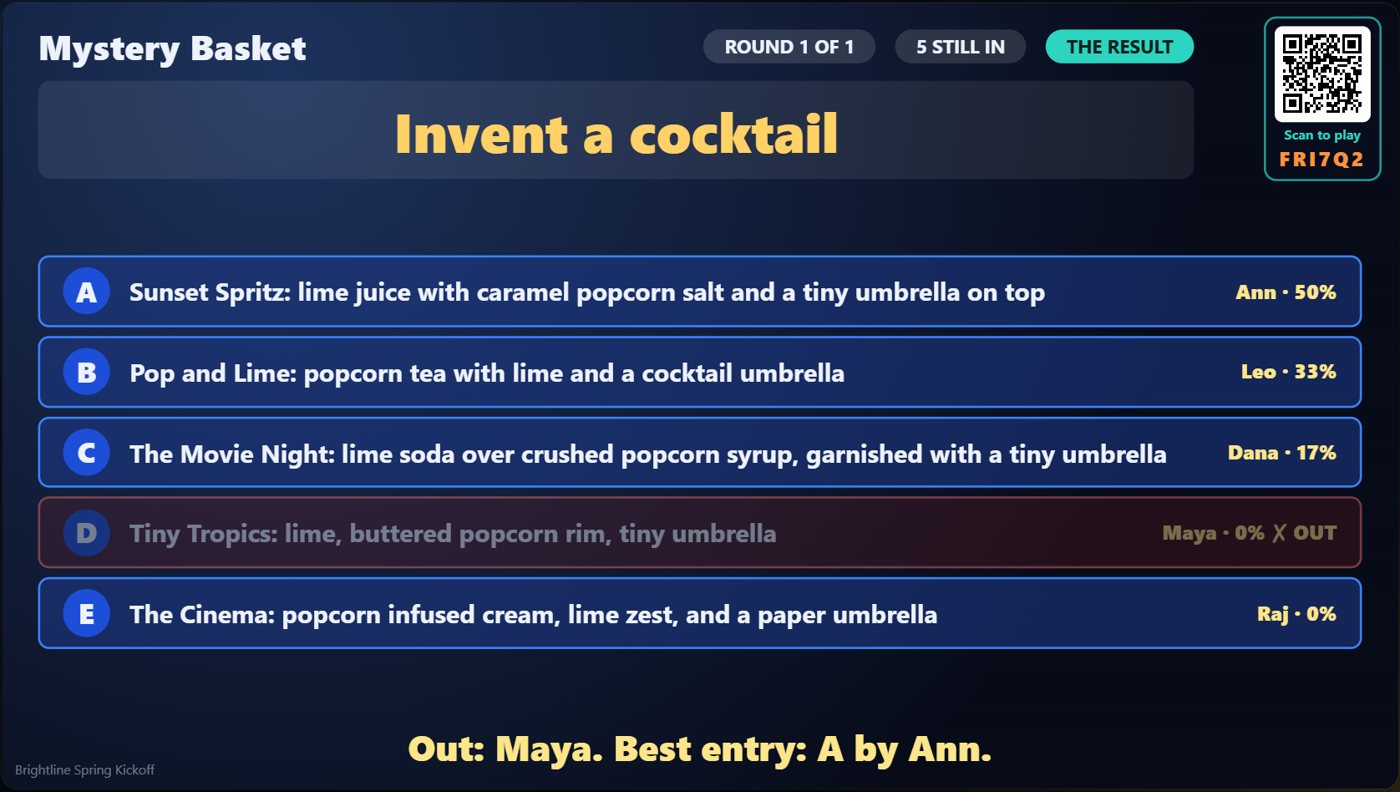
How it ends
The TV shows the result of the round, with the authors named.
Keep going

Build your show
The Rundown: add, arrange, check and save steps; reserves; defaults for every step.

The Host Remote
Run your show from a phone or tablet: start it, tap any step to see its keys, put it on the TV, and flip in a side game.

Your AI cohosts
Choose and name them, give them a personality, tell them about the show, set how they behave.
Something missing or unclear? Check the FAQ or browse all guides.